Desktop Computer Parts 223
10
Pivot and secure the card retention latch.
11
Connect any cables that should be attached to the card.
See the documentation for the card for information about the card’s cable
connections.
NOTICE: Do not route card cables over or behind the cards. Cables routed over the
cards can prevent the computer cover from closing properly or cause damage to
the equipment.
12
Replace the computer cover.
NOTICE: To connect a network cable, first plug the cable into the network device
and then plug it into the computer.
13
Reconnect your computer and devices to electrical outlets, and then turn
them on.
14
If you installed a sound card:
a
Enter system setup (see "Entering System Setup" on page 79), go to
Onboard Devices
and select
Integrated
Audio
, and then change the
setting to
Off
.
b
Connect external audio devices to the sound card’s connectors. Do
not connect external audio devices to the microphone,
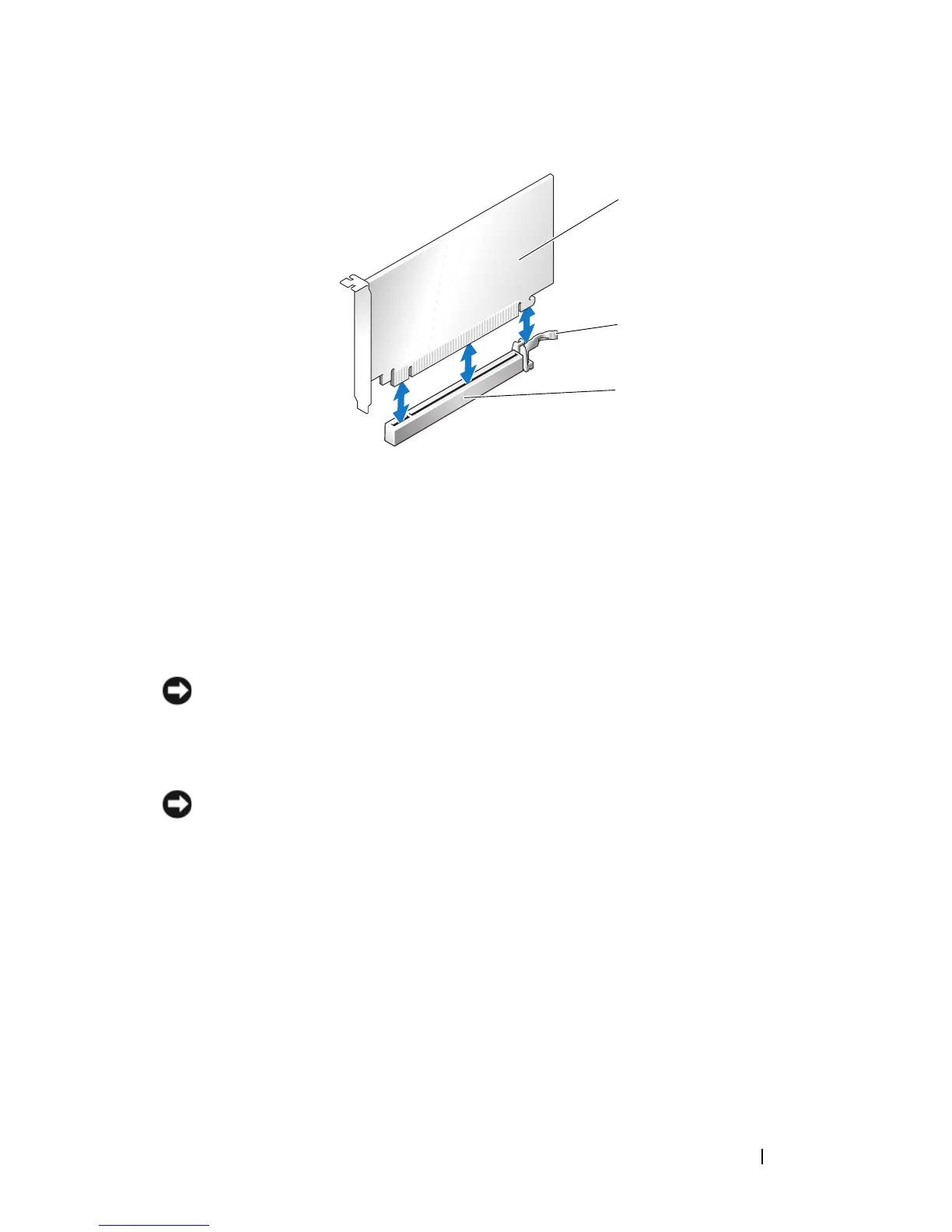
1 PCI Express x16 card 2 PCI Express x16 securing tab
3 PCI Express x16 card slot
1
3
2














 To Next Page