222 Desktop Computer Parts
8
If you are installing the PCI Express card into the x16 card connector,
position the card so the securing slot is aligned with the securing tab.
9
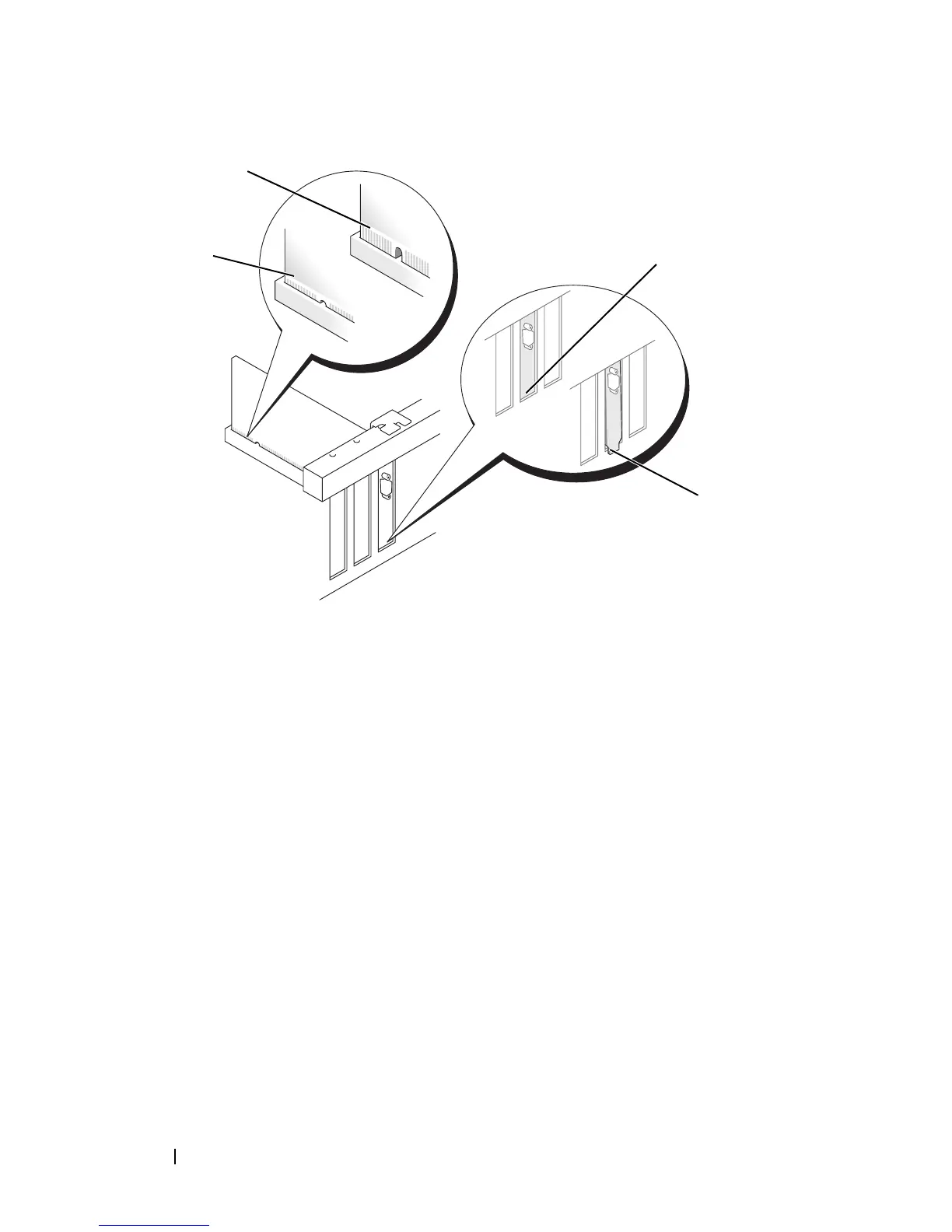
Place the card in the connector and press down firmly. Ensure that the card
is fully seated in the slot.
1 card fully seated 2 card not fully seated
3 bracket within slot 4 bracket caught outside of slot
1
2
3
4














 To Next Page