236 Desktop Computer Parts
the bay until it clicks into place.
9
Connect the other end of the data cable to the connector labeled
"FLOPPY" on the system board (see "System Board Components" on
page 212).
10
Replace the optical drive (see "Optical Drive" on page 237).
11
Replace the computer cover (see "Replacing the Computer Cover" on
page 257).
NOTICE: To connect a network cable, first plug the cable into the network device
and then plug it into the computer.
12
Connect your computer and devices to their electrical outlets, and turn
them on.
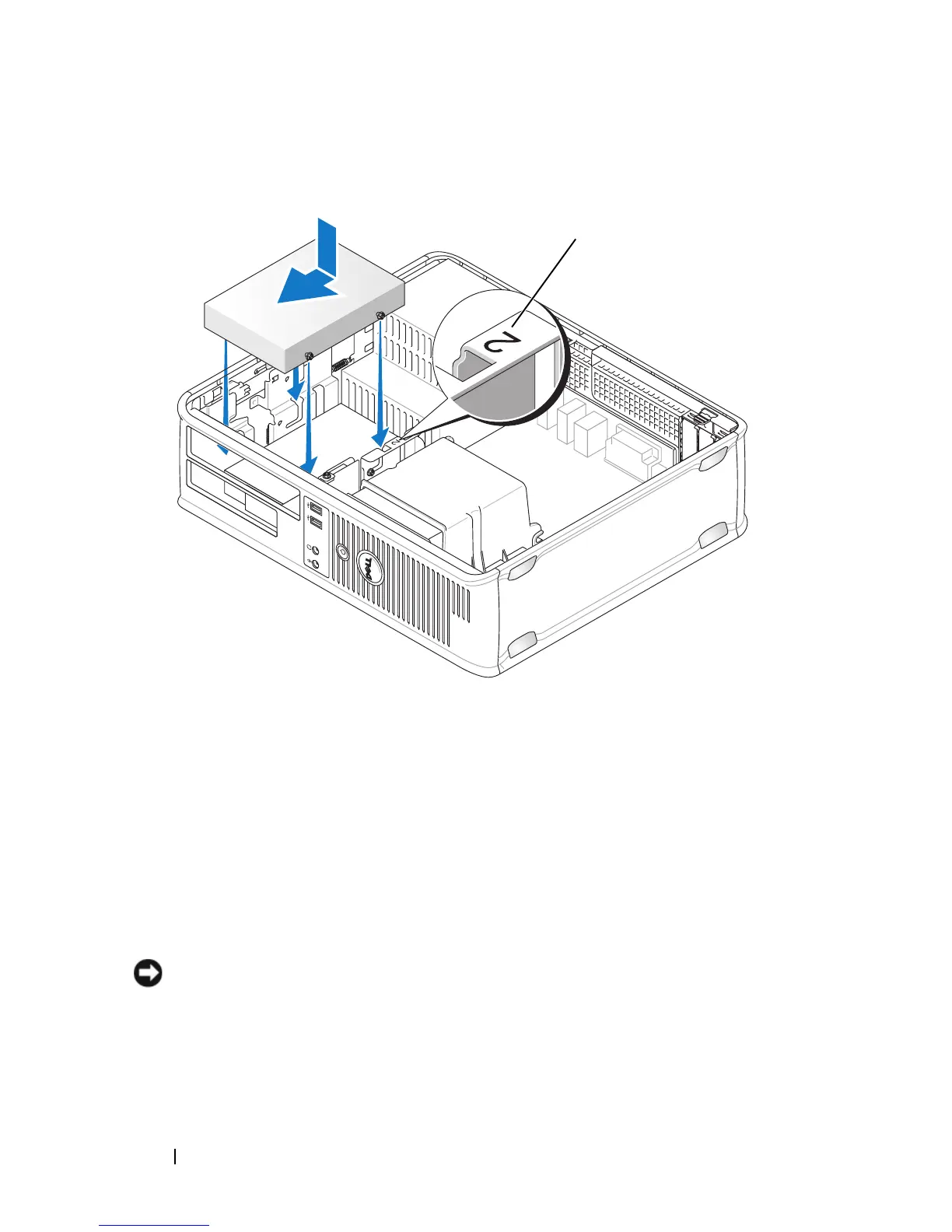
1 slot verification number
1














 To Next Page