238 Desktop Computer Parts
9
Connect your computer and devices to electrical outlets, and then turn
them on.
10
Configure the drives in system setup (see "Entering System Setup" on
page 79).
Installing an Optical Drive
1
Unpack the drive and prepare it for installation.
Check the documentation that accompanied the drive to verify that the
drive is configured for your computer.
2
Follow the procedures in "Before You Begin" on page 143.
3
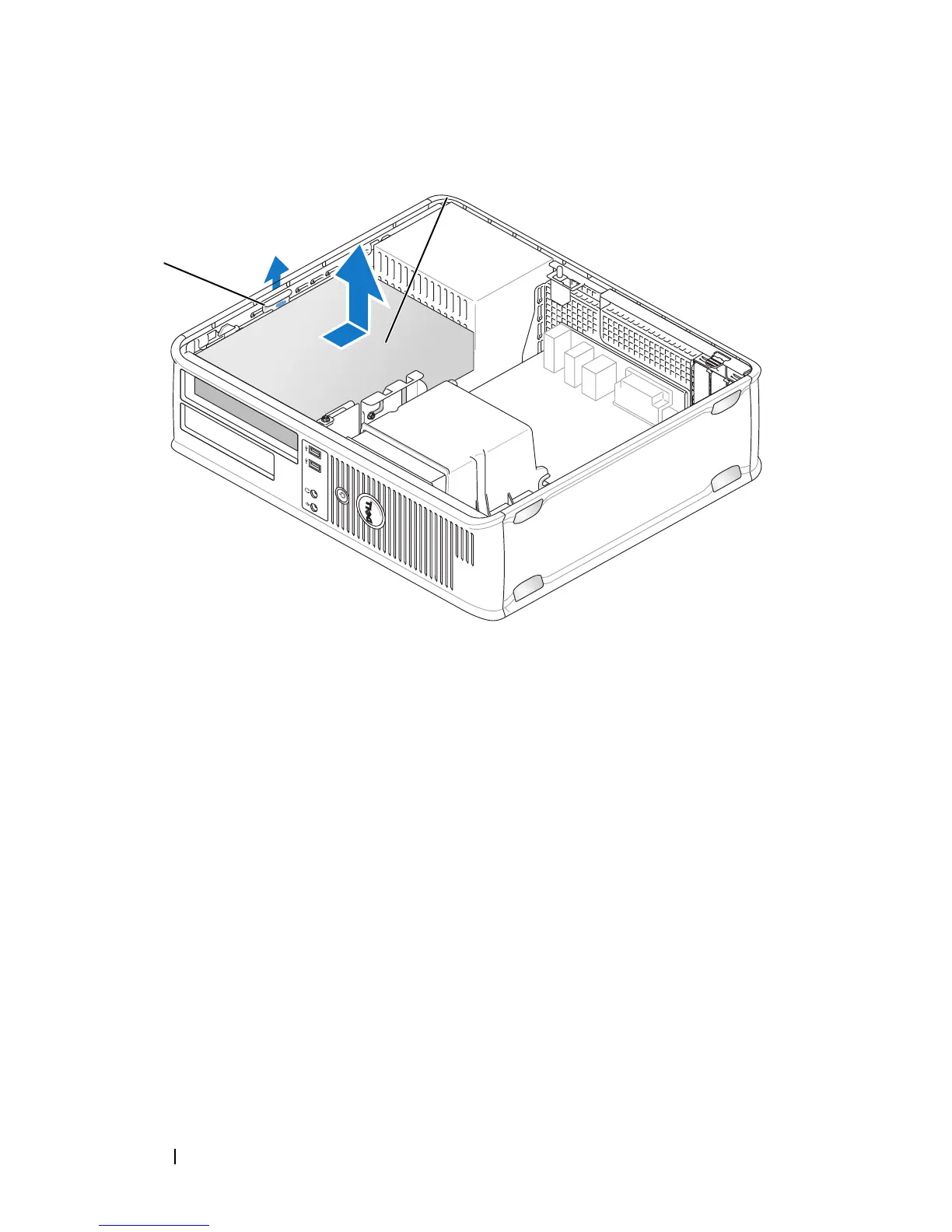
If you are replacing an optical drive, remove the shoulder screws from the
existing drive and attach the screws to the replacement drive.
1 drive release latch 2 optical drive
1
2














 To Next Page