Desktop Computer Parts 239
4
If you are installing a new drive:
a
Press the two snaps on the top of the drive-panel insert and rotate the
insert toward the front of the computer.
b
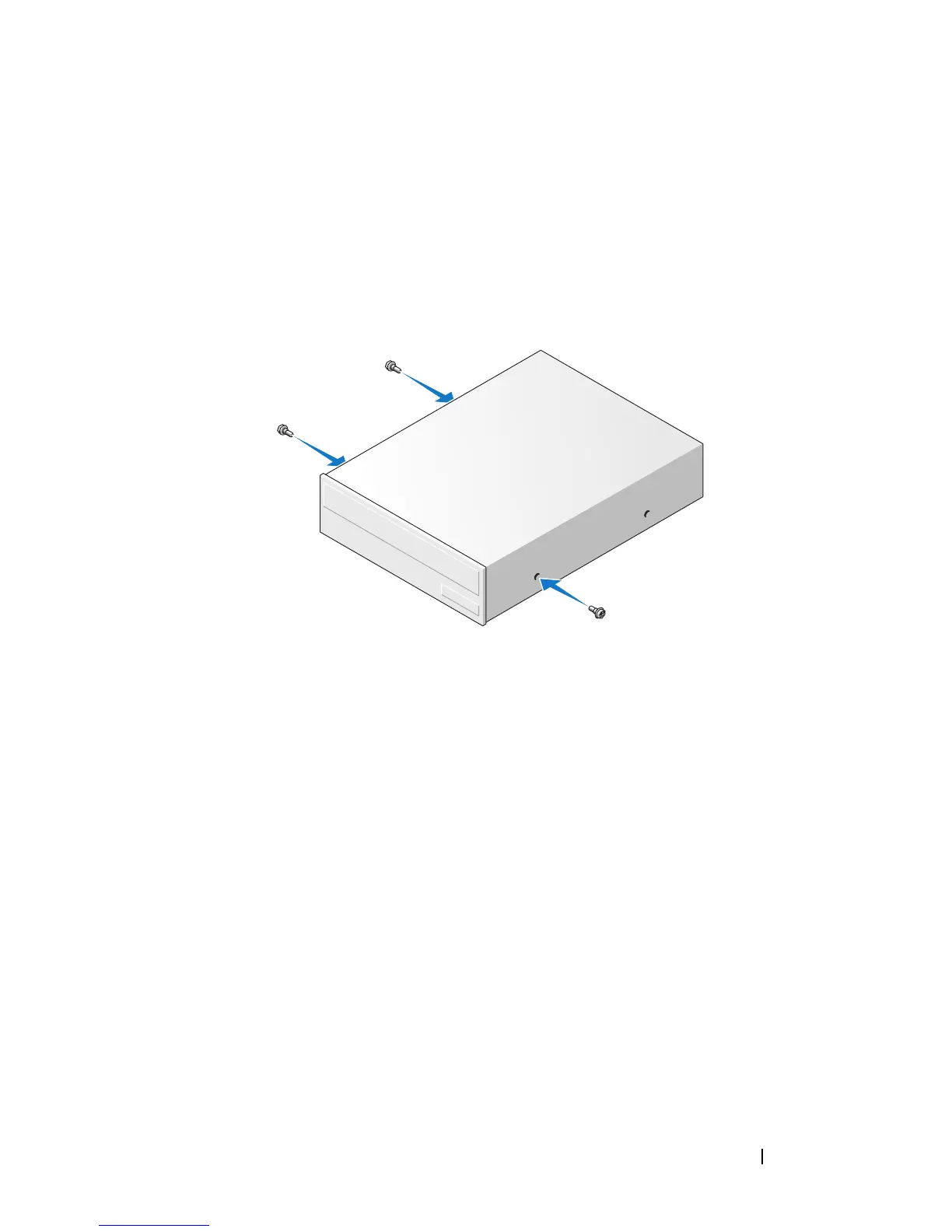
Remove the three shoulder screws from the drive-panel insert.
c
Insert the three shoulder screws into the sides of the new drive and
tighten them.
5
Connect the power and data cables to the drive.
6
Align the shoulder screws with the screw guides, and slide the drive into
the bay until it clicks into place.














 To Next Page