EasyManua.ls Logo

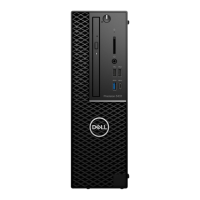
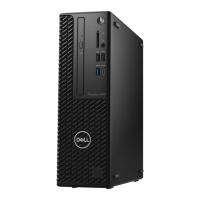
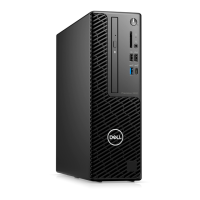
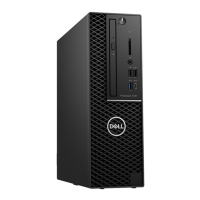
Dell Precision 3430 Small Form Factor - User Manual

Dell Precision 3430 Small Form Factor
121 pages
Print Icon
To Next Page IconTo Next Page
Loading...
Dell Precision 3430 Small Form Factor
Service Manual
Regulatory Model: D11S
Regulatory Type: D11S004

Table of Contents

Questions and Answers

  • S
    Scott McleanAug 25, 2025
    What to do if my Dell Precision 3430 Small Form Factor Desktop says 'No Boot Device Available'?
    • L
      Lindsey MorrisAug 25, 2025
      If your Dell Desktop displays 'No Boot Device Available', and you're using the hard drive as your boot device, make sure the drive is installed correctly, properly seated, and partitioned as a boot device.
  • W
    Wendy TateAug 23, 2025
    What to do if my Dell Precision 3430 Small Form Factor says 'Operating System Not Found'?
    • J
      jeffreywilliamsAug 23, 2025
      If your Dell Desktop displays the error message 'Operating System Not Found', reinstall the operating system. If the problem persists, contact Dell.

Dell Precision 3430 Small Form Factor Specifications

General IconGeneral
BrandDell
ModelPrecision 3430 Small Form Factor
CategoryDesktop
LanguageEnglish

Related product manuals