Camera 33
Removing The Camera
1. Follow the procedures in
Before Working On Your Computer
2. Remove the
battery
.
3. Remove the
standard display bezel
or the
touchscreen display bezel
.
4. Remove the
standard display panel
or the
touchscreen display panel
.
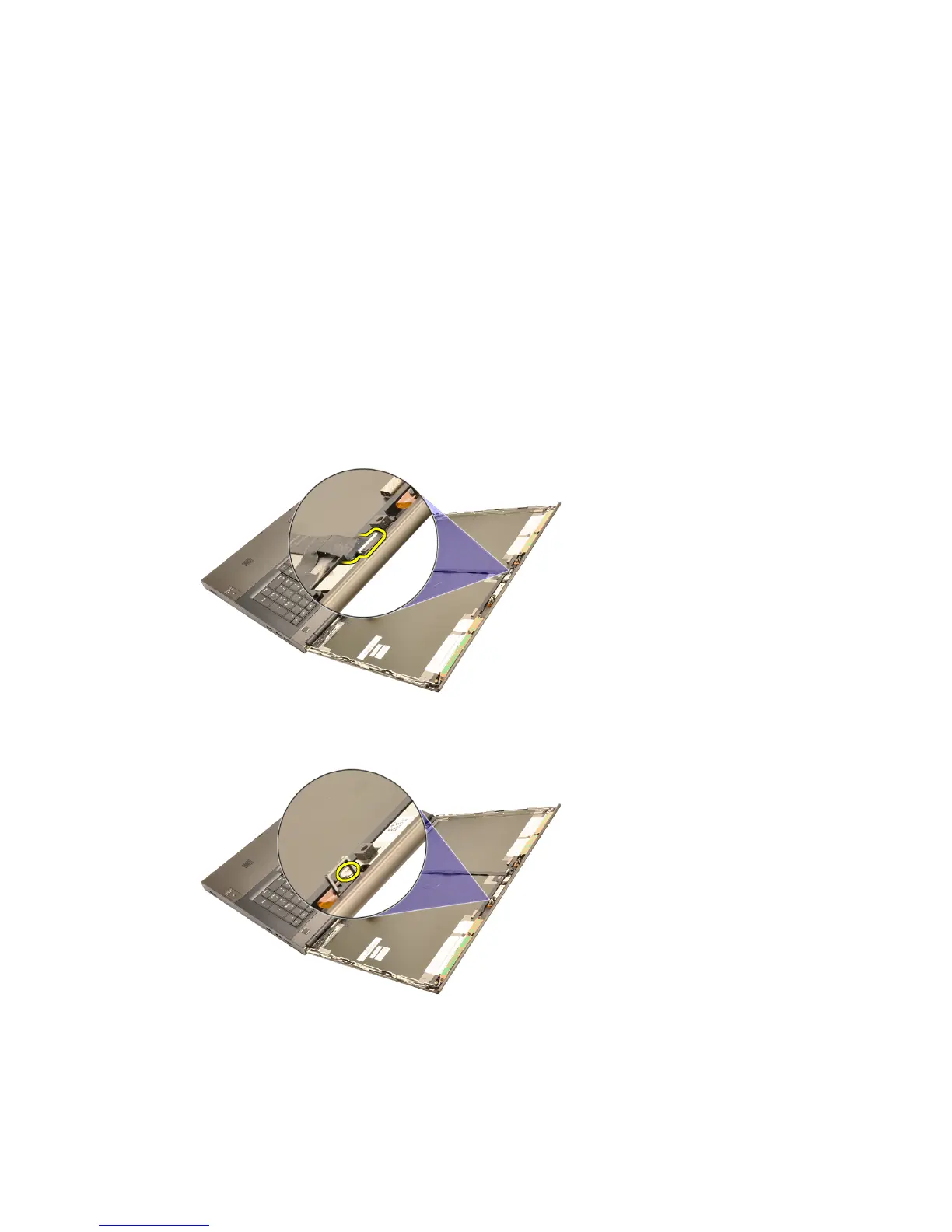
5. Disconnect the camera cable.
6. Loosen the screw securing the camera and microphone module.
7. Lift and remove the camera and microphone module.
101















 To Next Page