Touchscreen Display Bezel 29
Removing The Touchscreen Display Bezel
1. Follow the procedures in
Before Working On Your Computer
.
2. Remove the
battery
.
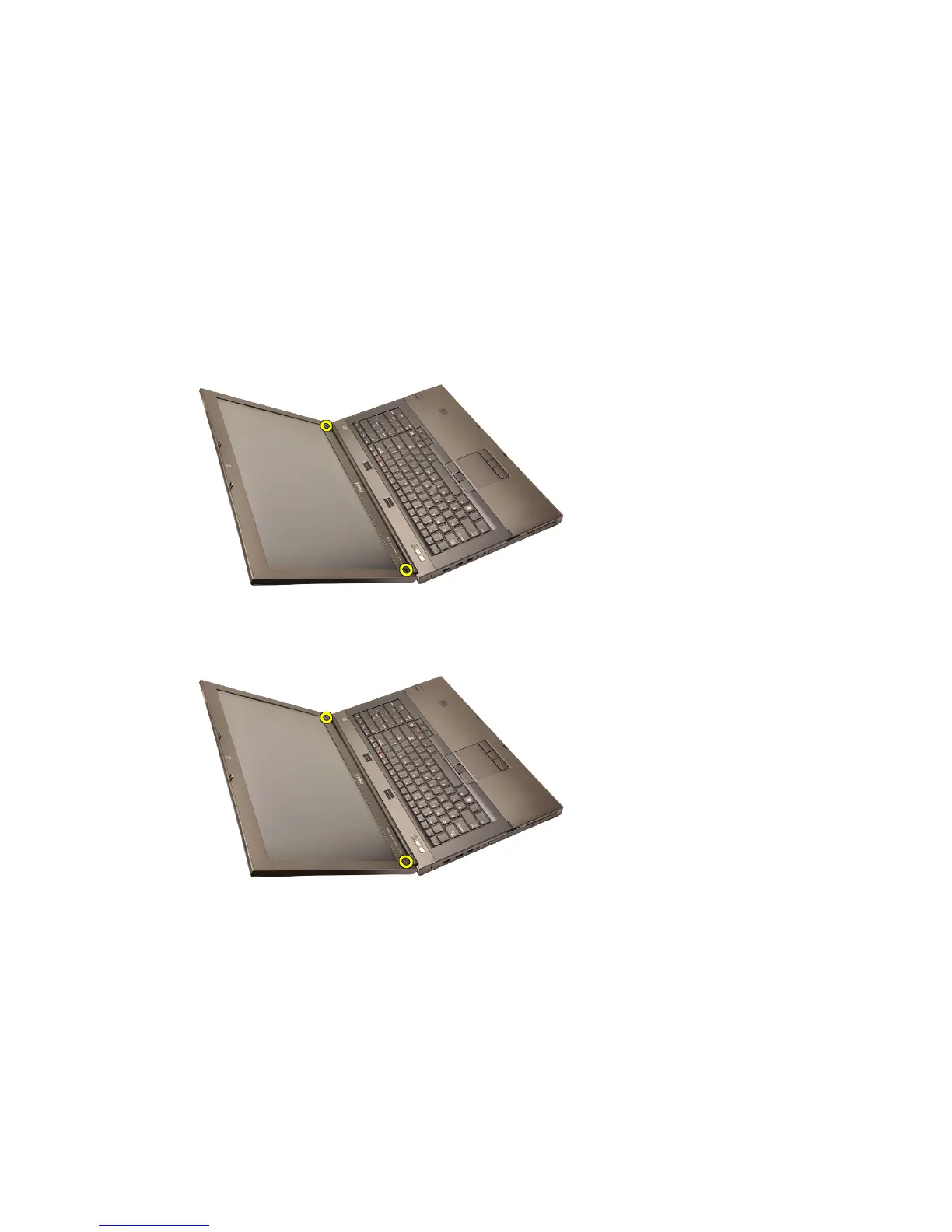
3. Remove the screw covers.
4. Remove the screws securing the display bezel in place.
5. Carefully pry up the top edge of the display bezel.
87















 To Next Page