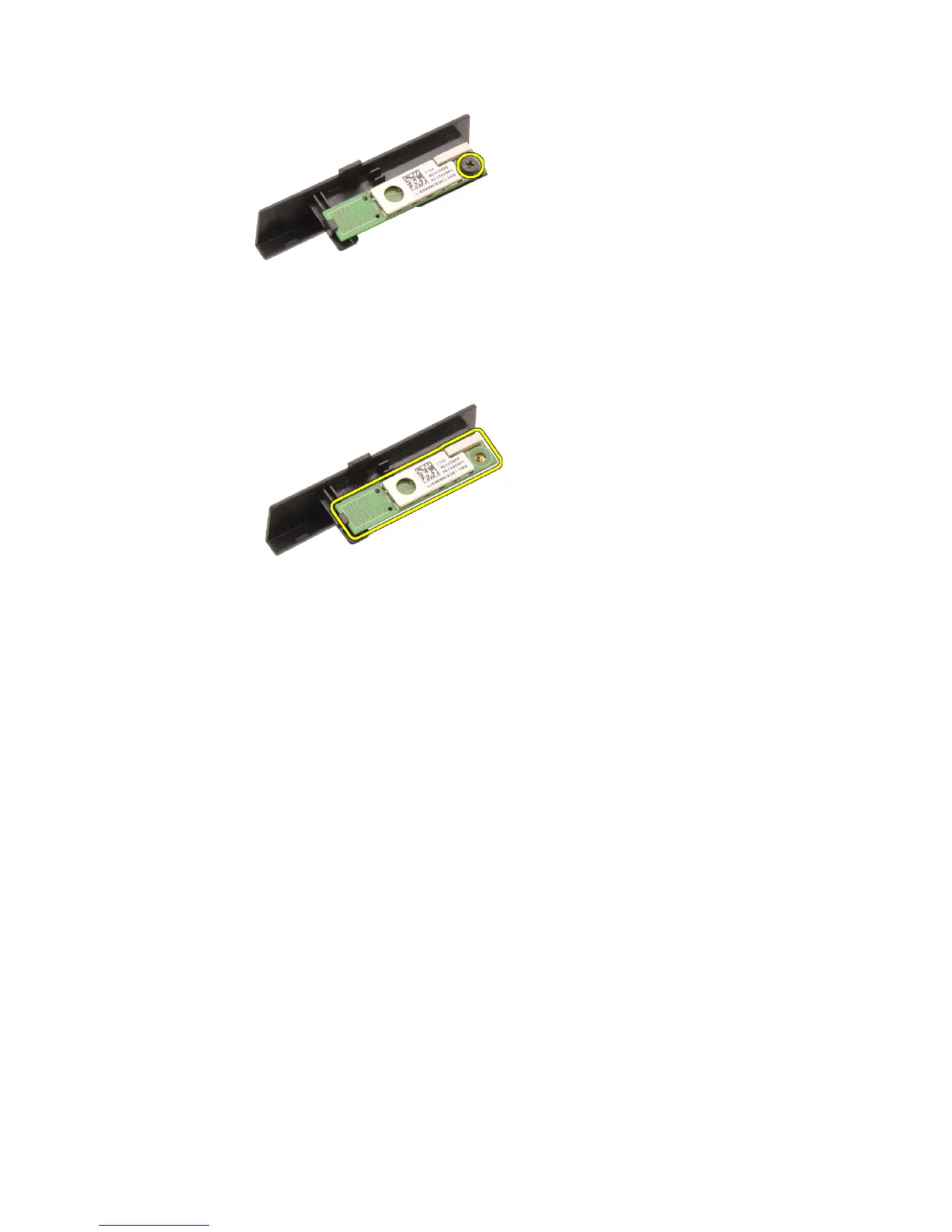
6. Remove the Bluetooth card.
Installing The Bluetooth Card
1. Place the Bluetooth card on the Bluetooth door and align with the screw
hole.
2. Tighten the screw to secure the Bluetooth card in place.
3. Connect the Bluetooth cable to the Bluetooth card.
4. Locate the Bluetooth door compartment.
5. Slide the Bluetooth door onto the compartment until the tab is fully
engaged.
6. Install the
battery
.
7. Follow the procedures in
After Working Inside Your Computer
.
22















 To Next Page