Subscriber Identity Module (SIM)
Card 5
Removing The Subscriber Identity Module (SIM )Card
1. Follow the procedures in
Before Working On Your Computer
.
2. Remove the
battery
.
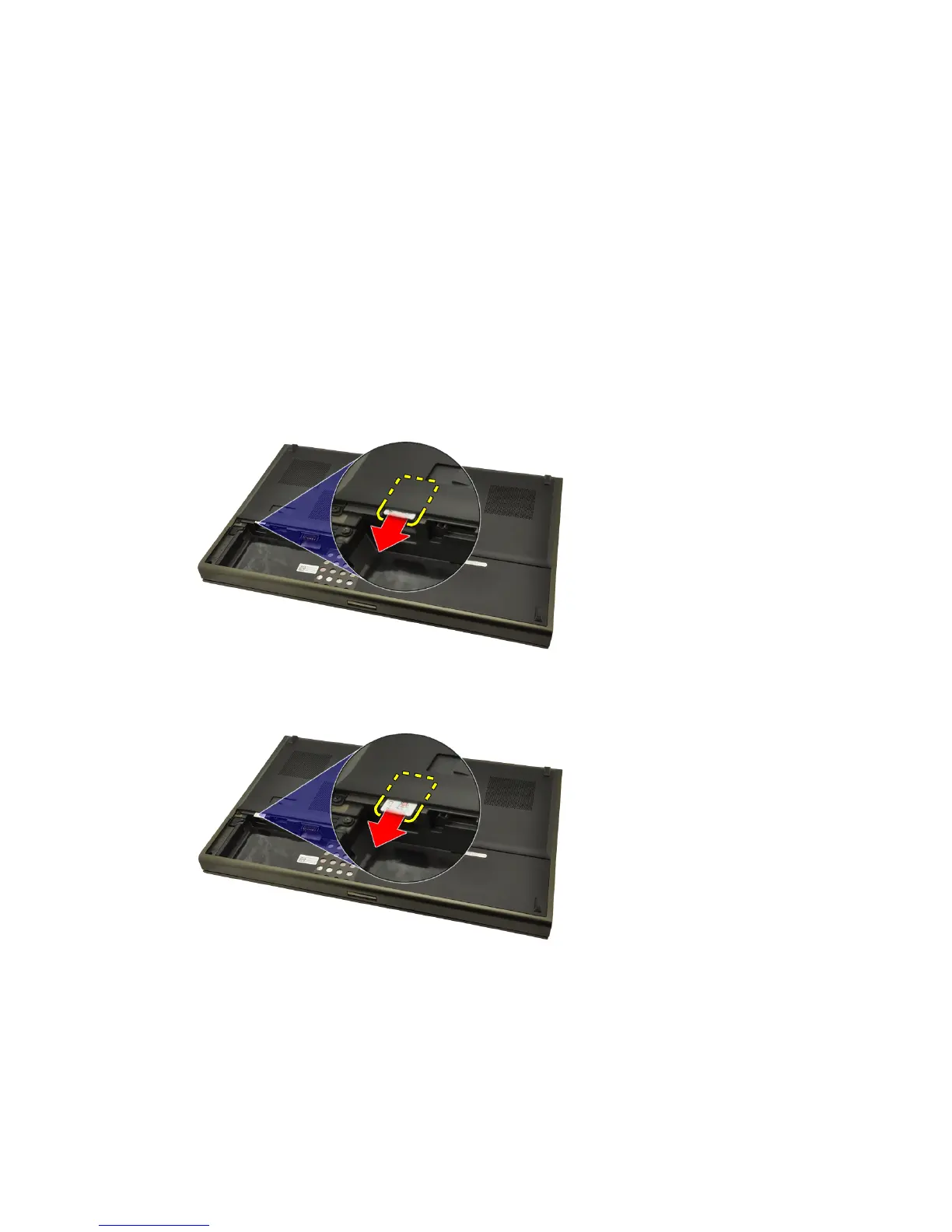
3. Slide the Subscriber Identity Module (SIM) outward away from the slot.
4. Pull out the SIM from the slot.
19















 To Next Page