Keyboard 9
Removing The Keyboard
1. Follow the procedures in
Before Working On Your Computer
.
2. Remove the
battery
.
3. Remove the
keyboard trim
.
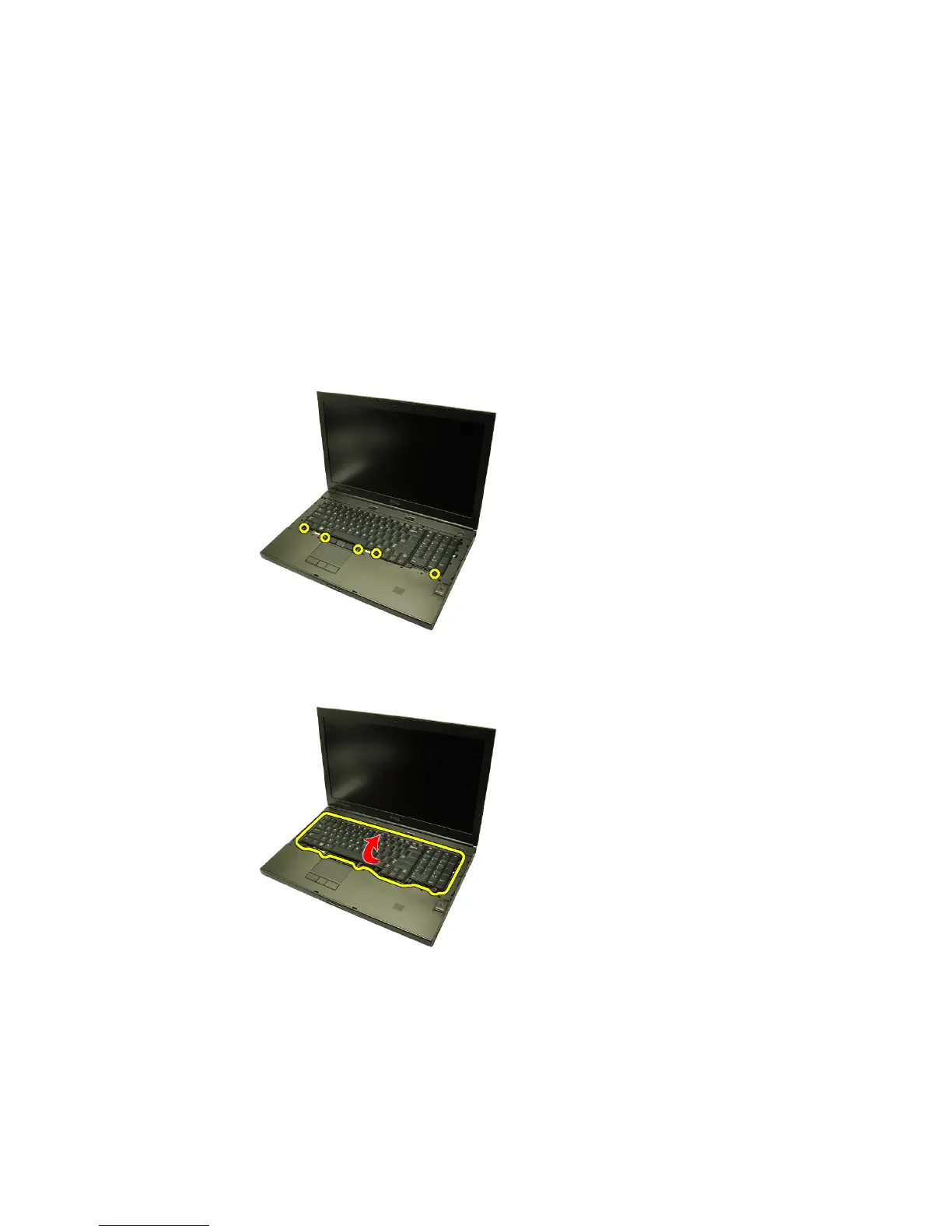
4. Remove the screws securing the keyboard in place.
5. Starting from the bottom of the keyboard, separate the keyboard from the
computer and turn the keyboard over.
6. Disconnect the keyboard data cable from the system board.
27















 To Next Page