Display Bezel 31
Removing The Display Bezel
1. Follow the procedures in
Before Working On Your Computer
.
2. Remove the
battery
.
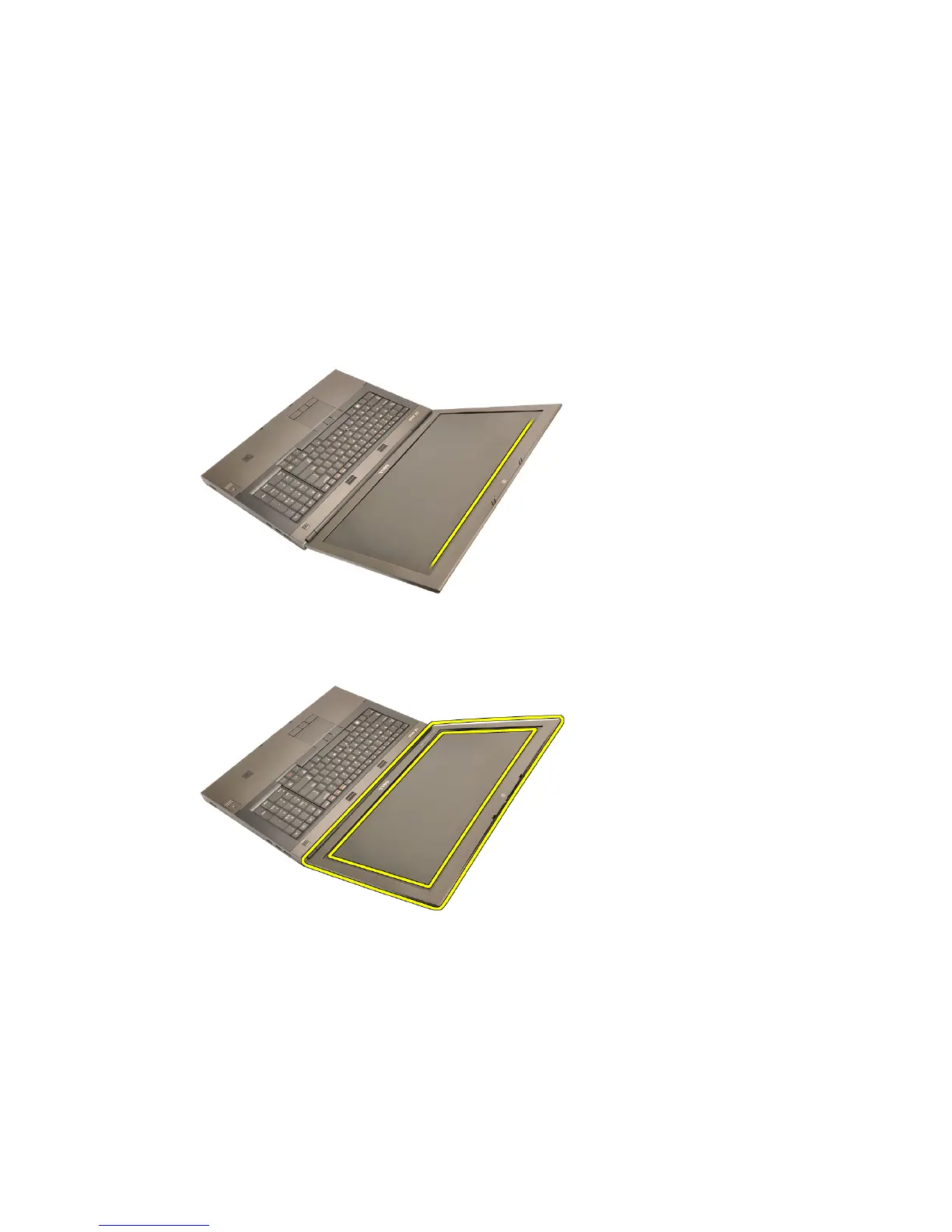
3. Carefully pry up the top edge of the display bezel.
4. Work your way around the bottom edge and sides of the display bezel and
remove the display bezel.
95















 To Next Page