Secondary Memory 16
Removing The Secondary Memory
1. Follow the procedures in
Before Working On Your Computer
2. Remove the
battery
.
3. Remove the
keyboard trim
.
4. Remove the
keyboard
.
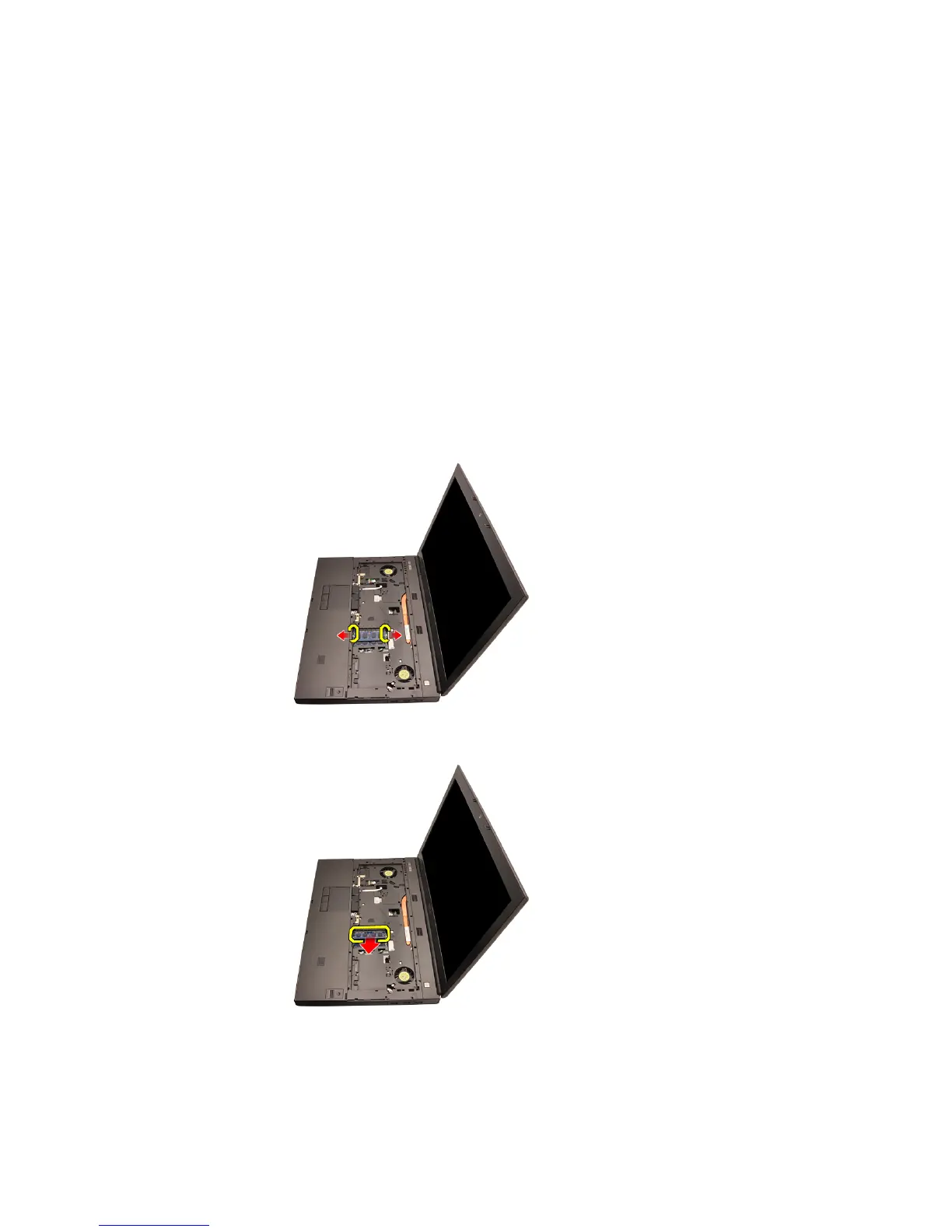
5. Gently pry the retention clips away from the memory module.
6. Remove the memory module from the computer.
7. Gently pry the retention clips away from the memory module.
45















 To Next Page