Optical Drive 10
Removing The Optical Drive
1. Follow the procedures in
Before Working On Your Computer
.
2. Remove the
battery
.
3. Remove the
base cover
.
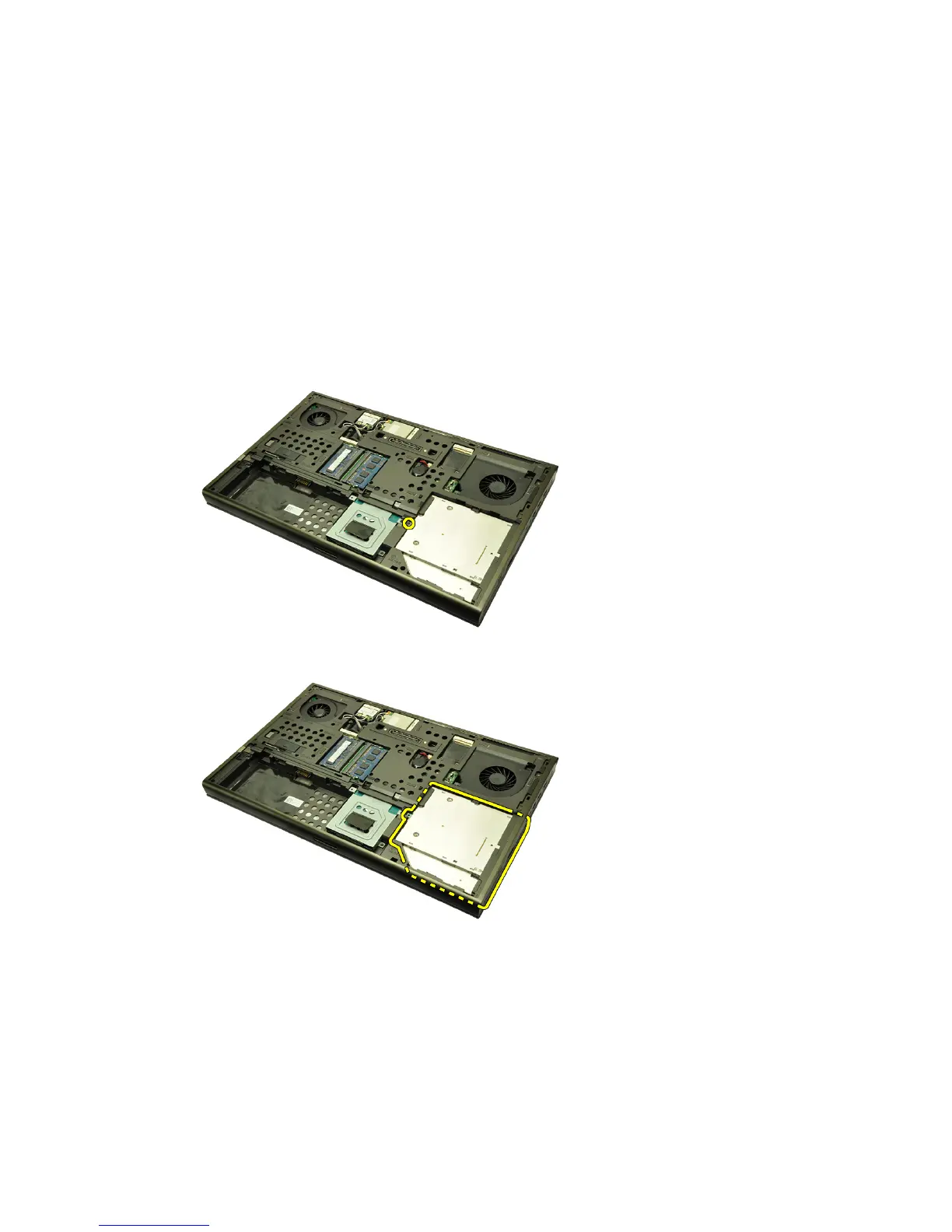
4. Remove the screw securing the optical drive in place.
5. Remove the optical drive from the computer.
6. Remove the screws securing the optical drive bracket.
31















 To Next Page