Bluetooth Card 6
Removing The Bluetooth Card
1. Follow the procedures in
Before Working On Your Computer
2. Remove the
battery
.
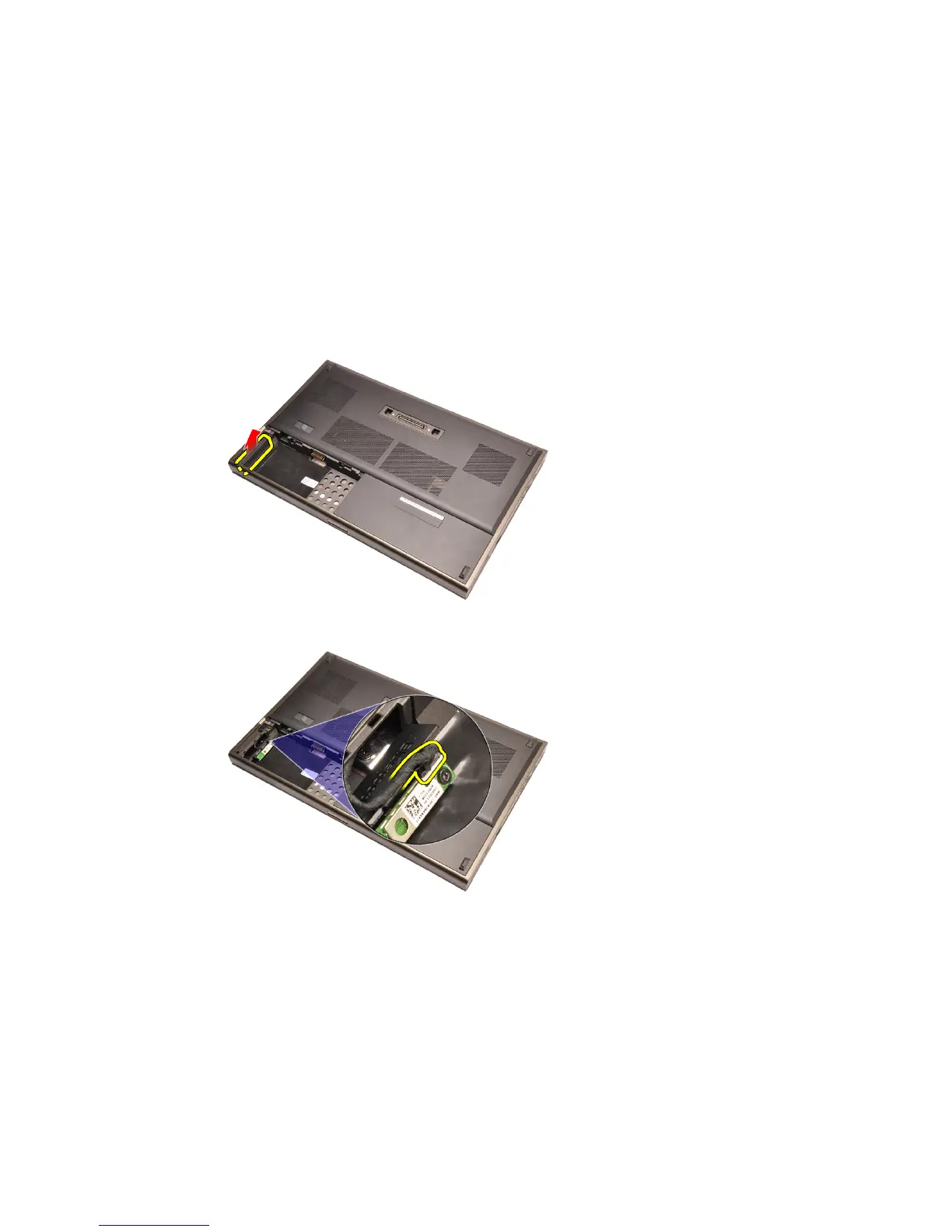
3. Slide the Bluetooth door upward and release from the slot.
4. Disconnect the Bluetooth cable from the Bluetooth card.
5. Remove the single screw securing the Bluetooth card in place.
21















 To Next Page