Chapter 3 Featured Function
3-49
Description Factory Default
Authentication Type
Automatic: Specify the authentication type as Automatic, so the wireless
client can use no matter “open system” or “shared key” to pass the
authentication.
Shared key: Specify the authentication type as Shared key.
Automatic
Encryption Strength
64-bit: Allows enter 10 hexadecimals value.
128-bit: Allows enter 26 hexadecimals value.
64-bit
Security Encryption (WEP) Key
Use RC4 (Rivest Cipoher) stream cipher to achieve the security purpose and
use CRC-32 to achieve the data integrity.
None
Notice:
The security mode WEP does not support 802.11n. When the WEP is selected in the Web
interface, the list of wireless modes only shows the traditional modes 802.11 a/b/g.
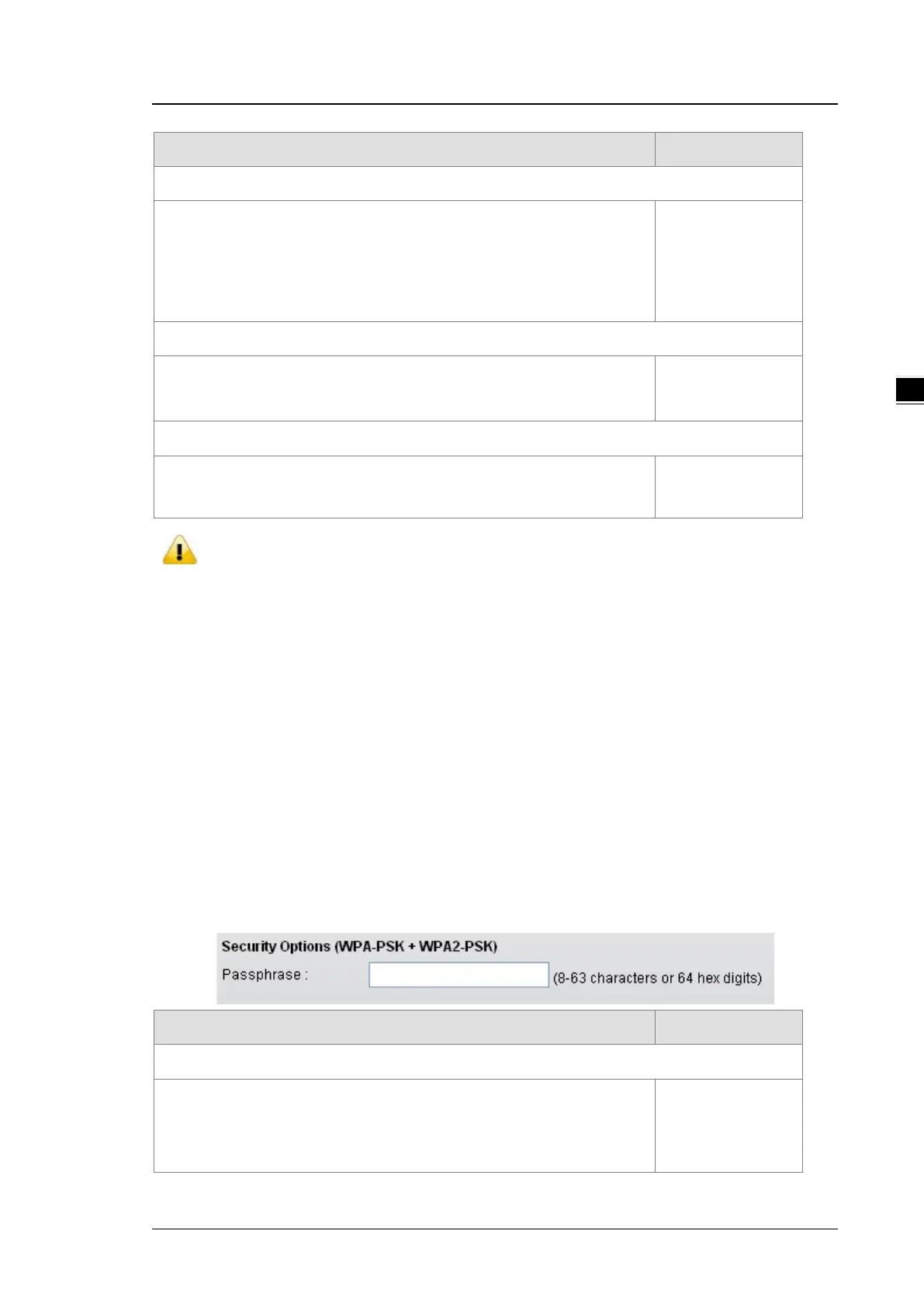
WPA/WPA2 Personal
Wi-Fi Protected Access (WPA) and Wi-Fi Protected Access 2 (WPA2) are two security protocols and security
certification programs developed by the Wi-Fi Alliance to secure wireless computer networks. Personal
versions of WPA/WPA2, also known as WPA/WPA-PSK (Pre-Shared Key)
TKIP (Temporal Key Integrity Protocol) and AES (Advance Encryption System) are two encryption methods.
TKIP can automatically producing a new network key every few minutes. This prevents attackers from ever
gathering enough data to break into your network. AES stands for advanced encryption standard. This data
encryption system, which is either a 128-bit, 192-bit or 256-bit cipher block, is considered by experts to be the
most secure encryption protection option for your wireless network.
Description Factory Default
Security Options
WPA-PSK: TKIP encryption method is enabled.
WPA2-PSK: AES encryption method is enabled.
WPA-PSK+WPA2-PSK: This setting supports both WPA-PSK and
None



 To Next Page