ENGLISH
CJ>
"C
CD
£;
(i'
Ql
...
o'
:::l
(II
File
Playback
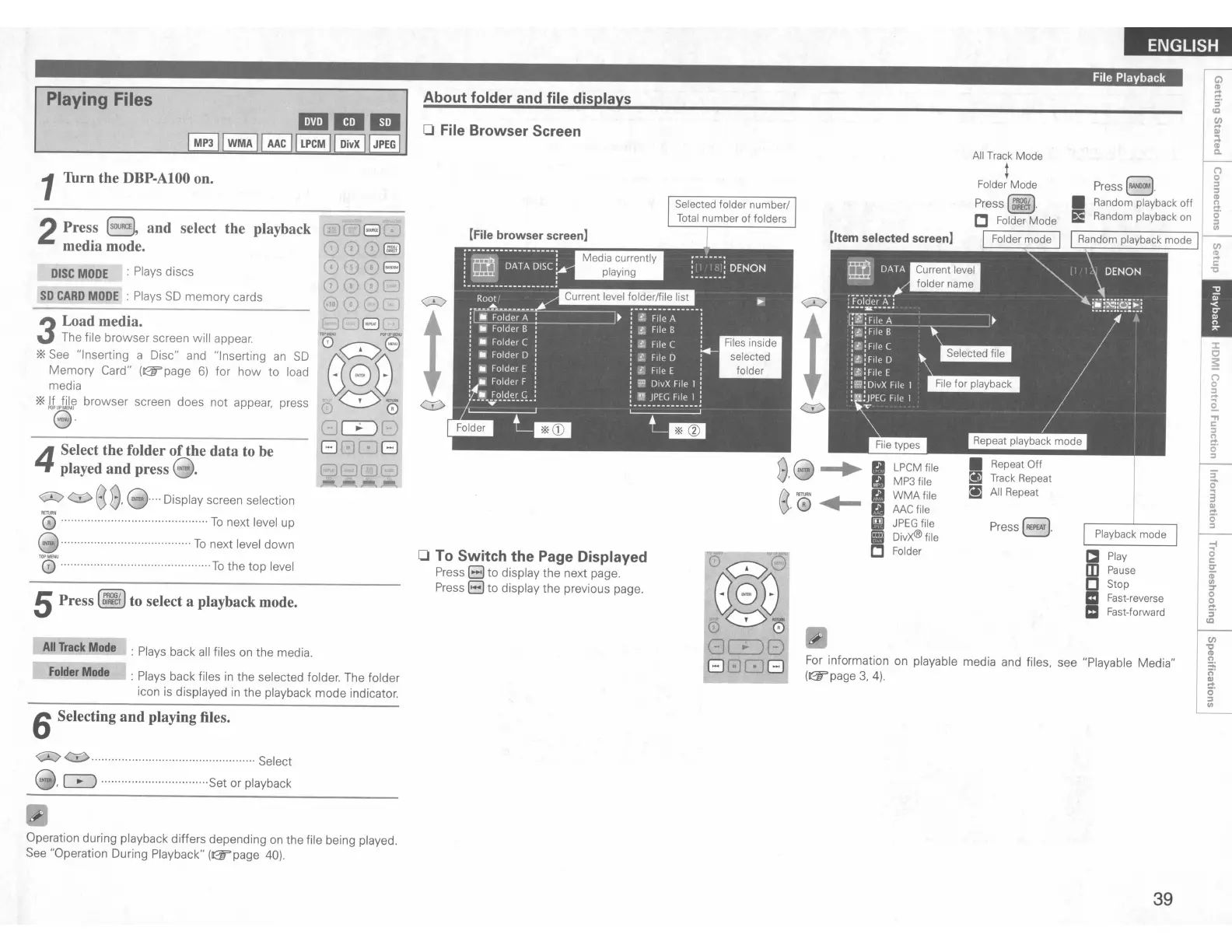
Playback mode
a Play
mPause
[]
Stop
II
Fast-reverse
mFast-forward
(")
Press
8.
g
• Random playback
off
i
~
E Random playback on
i'
IRandom playback
mode
I
~
~
c:
"C
Press(~).
• Repeat
Off
itJ
Track Repeat
~
All Repeat
LPCM file
MP3file
WMAfile
MC
file
mJPEG file
•
DivX®file
C Folder
All Track
Mode
t
Folder
Mode
Press(~).
C Folder
Mode
I Folder
mode
I
----
For
information
on
playable media and files. see "Playable Media"
(&
page
3.
4).
About folder and file displays
o File Browser Screen
<:I>
0::>
t
t
<::0 <::0
8·8~
It
g
e·0,-
o To Switch the Page Displayed
Press
B to display the next page.
Press
EJ
to display the previous page.
1Thrn the
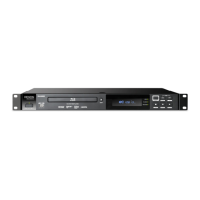
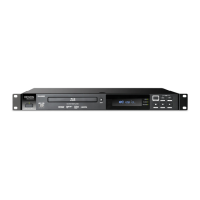
DBP-AIOO
on.
All
Track
Mode
: Plays back
all
files
on
the media.
Folder
Mode
:
Plays
back files
in
the selected folder. The folder
icon is displayed
in
the playback mode indicator.
Playing Files
2Press
(sOURCEl
and select the playback
media mode.
DISC
MODE
: Plays discs
SO
CARD
MODE
:
Plays
SO
memory cards
3
Load media.
The file browser screen will appear.
*
See
"Inserting a Disc" and "Inserting
an
SD
Memory Card"
(&page
6)
for how to load
media
*If file browser screen does not appear. press
ffi
e
"·
4
Select the folder
of
the data to be
played and press
8.
<:I>
(}:)
8
8.
8····
Display screen selection
'0
To
next level up
8················
To
next level down
TG5"
To
the top level
5Press
(~)
to select a playback mode.
6Selecting and playing files.
0::> ' Select
00IlI.
~
································Set or playback
Operation during playback differs depending
on
the file being played.
See
"Operation During Playback"
(&page
40).
39


 To Next Page