-LA-3500
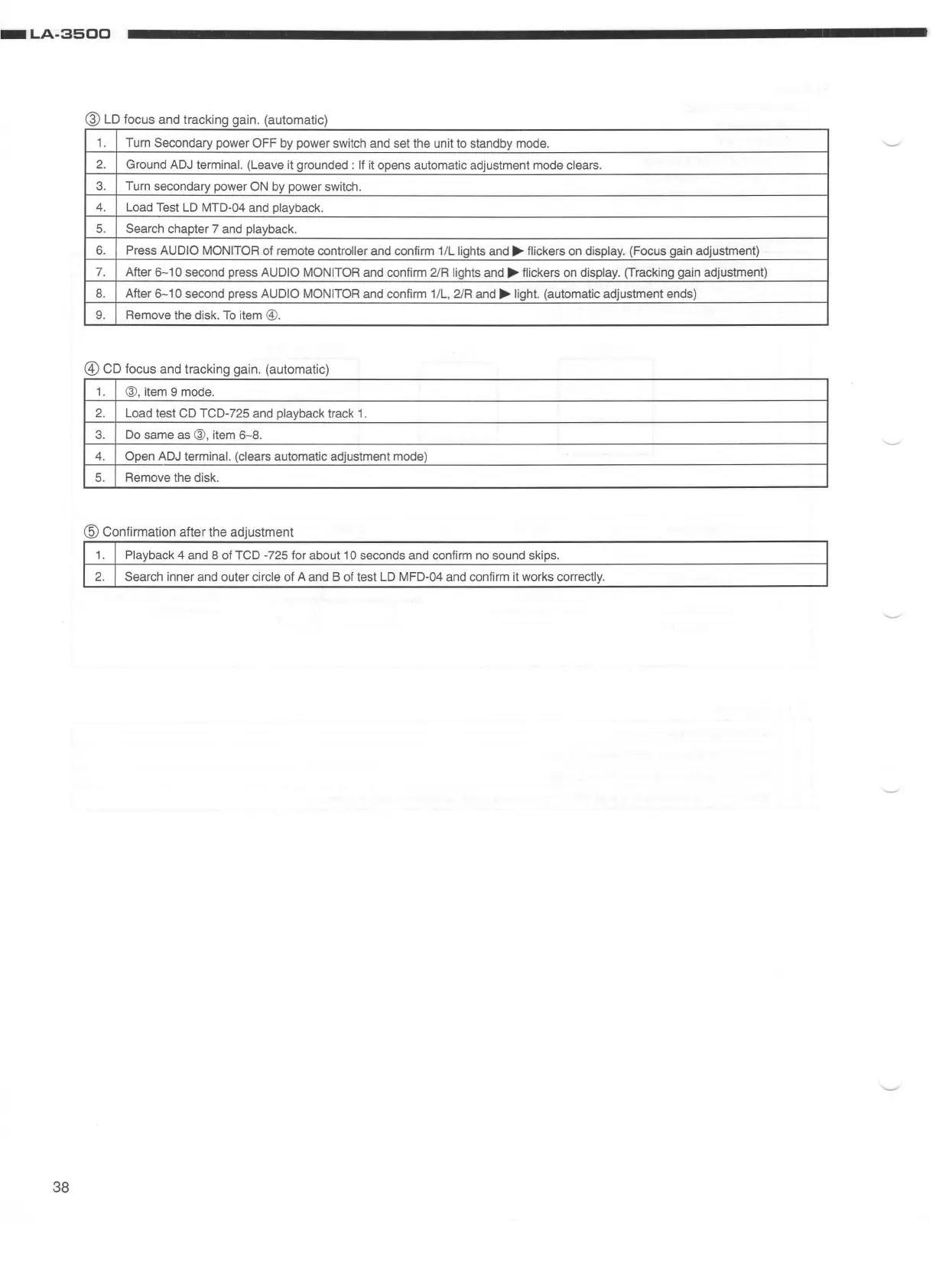
@ LD focus and tracking gain. (automatic)
1.
Turn Secondary power OFF by power switch and set the unit to standby mode.
2.
Ground
ADJ
terminal. (Leave it grounded :
If
it opens automatic adjustment mode clears.
3.
Turn secondary power
ON
by
power switch.
4.
Load Test
LD
MTD-04 and playback.
5.
Search chapter 7 and playback.
6.
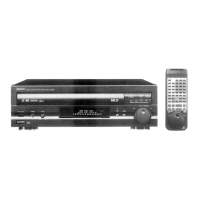
Press AUDIO MONITOR of remote controller and confirm 1/L lights and .... flickers on display. (Focus gain adjustment)
7.
After
6-10
second press AUDIO MONITOR and confirm 2/R lights and
....
flickers
on
display. (Tracking gain adjustment)
8.
After
6-10
second press AUDIO MONITOR and confirm 1/L, 2/R and .... light. (automatic adjustment ends)
9.
Remove the disk.
To
item ©.
@)
CD focus and tracking gain. (automatic)
1.
®
,item
9 mode.
2.
Load test CD TCD-725 and playback track
1.
3.
Do
same as
®,
item
6-8
.
4.
Open
ADJ
terminal. (clears automatic adjustment mode)
5. Remove the disk.
@ Confirmation after the adjustment
1.
Playback 4 and 8 of TCD -725 for about 1 O seconds and confirm no sound skips.
2.
Search inner and outer circle of A and B of test
LD
MFD-04 and confirm it works correctly.
38


 To Next Page