ineo+ 353/253/203 1-135
Setup items by operation
1
!
Detail
Exported files cannot be edited.
When E-mail destinations with certificates are exported and imported, the certificate information must
be registered again after importing.
"Audit Log" and "Counter" are available only for exporting.
When importing or exporting authentication data, operate user registration information in the same way.
Operate the authentication data after operate the user authentication information.
"Audit Log" is available when audit log setting is enabled on this machine.
1.44.4 Resetting setting information
Reset machine settings.
Network settings, controller settings, and remote address settings can be reset.
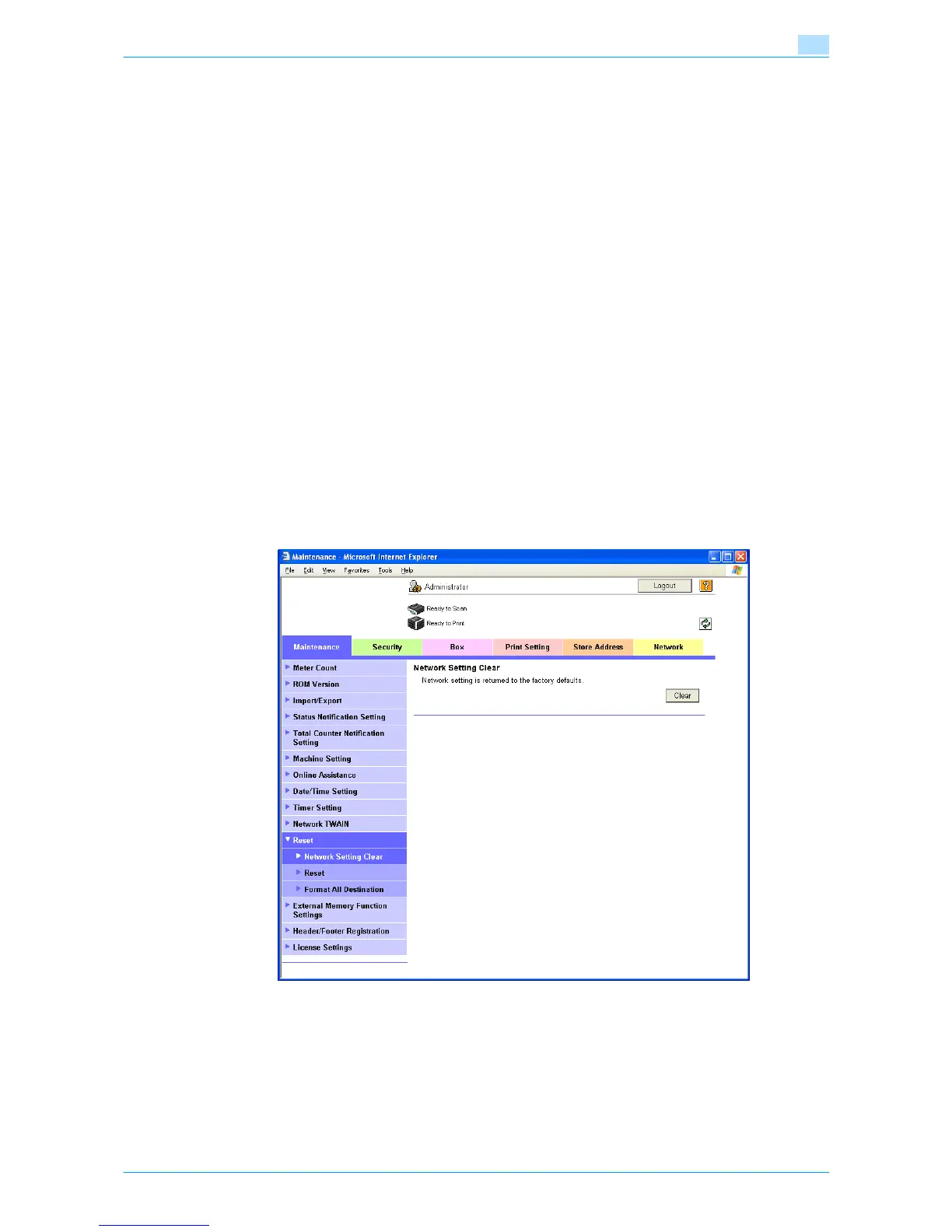
Network Setting Clear
In Administrator mode of Web Connection, select the Maintenance tab - "Reset" - "Network Setting Clear".
To reset to the factory default network settings, click [Clear].
!
Detail
If Enhanced Security Mode is set to "ON", this menu item does not appear.









 To Next Page