ineo+ 353/253/203 1-12
Setup items by operation
1
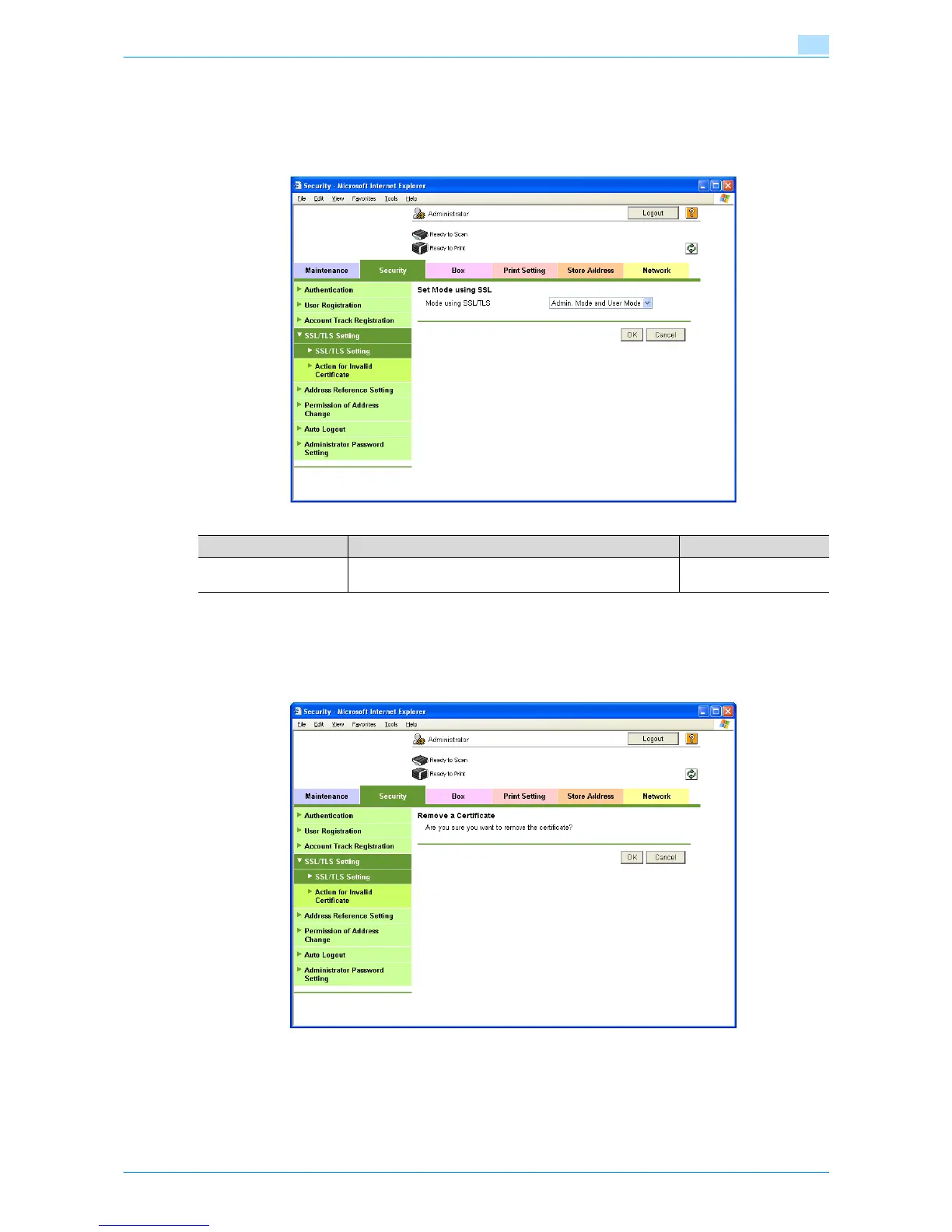
1.4.5 Set Mode using SSL
In Administrator mode of Web Connection, select the Security tab - "SSL/TLS Setting" - "SSL / TLS Setting"
- [Setup] - "Set Mode using SSL".
Specify the following setting.
1.4.6 Remove a certificate
In Administrator mode of Web Connection, select the Security tab - "SSL/TLS Setting" - "SSL / TLS Setting"
- [Setup] - "Remove a Certificate".
If necessary, remove the certificate installed on this machine. To remove the installed certificate, click [OK].
!
Detail
If Enhanced Security Mode is set to "ON", the certificate cannot be removed.
Item Definition Prior confirmation
Mode using SSL/TLS If necessary, change the set SSL/TSL application range.
Specify the SSL/TLS application range.









 To Next Page