ineo+ 353/253/203 1-80
Setup items by operation
1
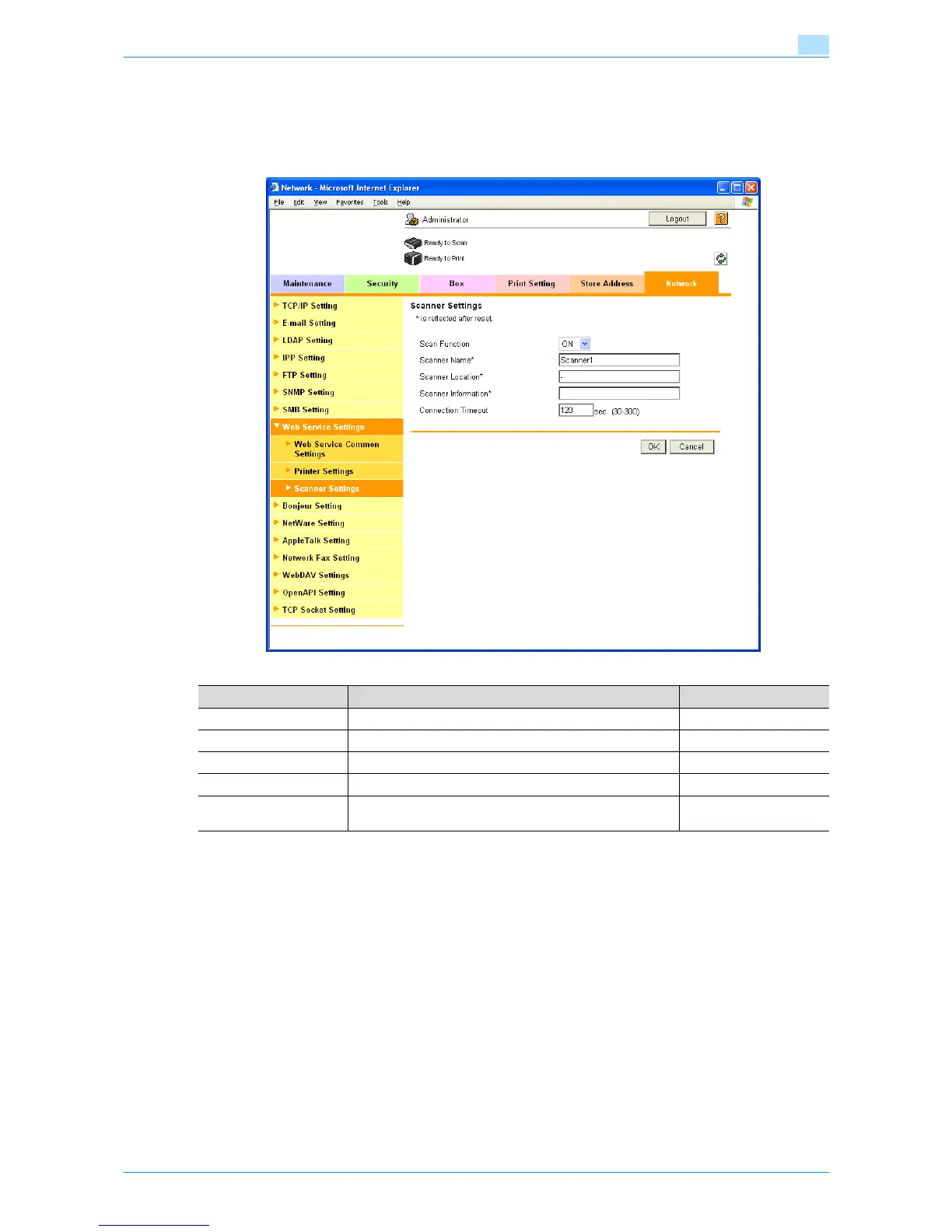
1.27.3 Scanner Settings
In Administrator mode of Web Connection, select the Network tab - "Web Service Settings" - "Scanner
Settings".
Specify the following settings.
Item Definition Prior confirmation
Scan Function Select "ON".
Scanner Name* Specify the scanner name (up to 63 characters).
Scanner Location* Specify the scanner location (up to 63 characters).
Scanner Information* Specify the scanner information (up to 63 characters).
Connection Timeout Specify the time period before the server connection times
out.









 To Next Page