ineo+ 353/253/203 1-83
Setup items by operation
1
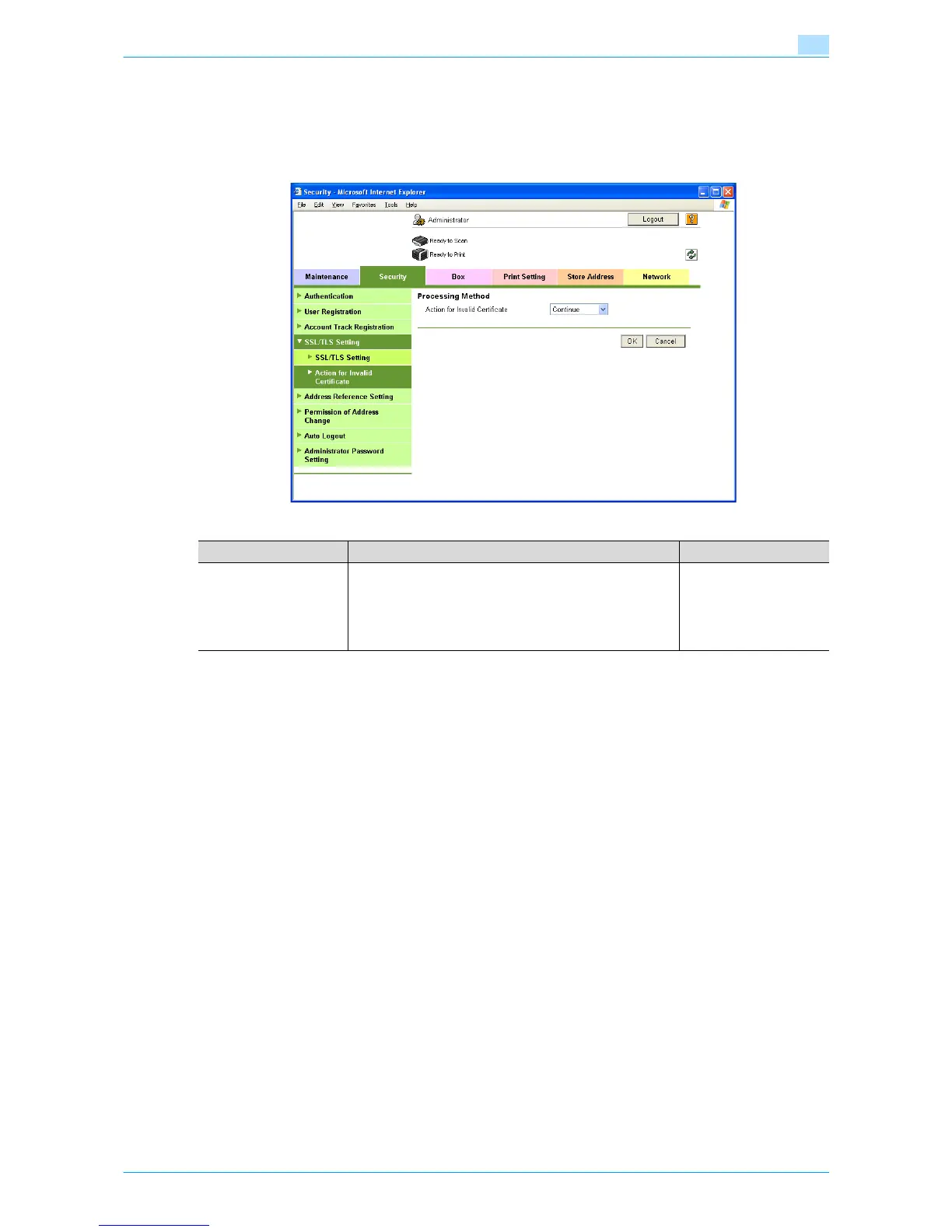
1.29.3 Action for Invalid Certificate
In Administrator mode of Web Connection, select the Security tab - "SSL/TLS Setting" - "Action for Invalid
Certificate".
Specify the following setting.
Item Definition Prior confirmation
Action for Invalid Certifi-
cate
Specify the operation when the validity period for the re-
ceived certificate has expired.
If "Continue" is selected, processing continues even if the
date of the certificate is invalid.
If "Delete the Job" is selected, the job is deleted if the date
of the certificate is invalid.









 To Next Page