Dexcom G5 Mobile System User Guide
111Calibration
(Continued from previous page)
Device What you see What it means What you do
Second Calibration
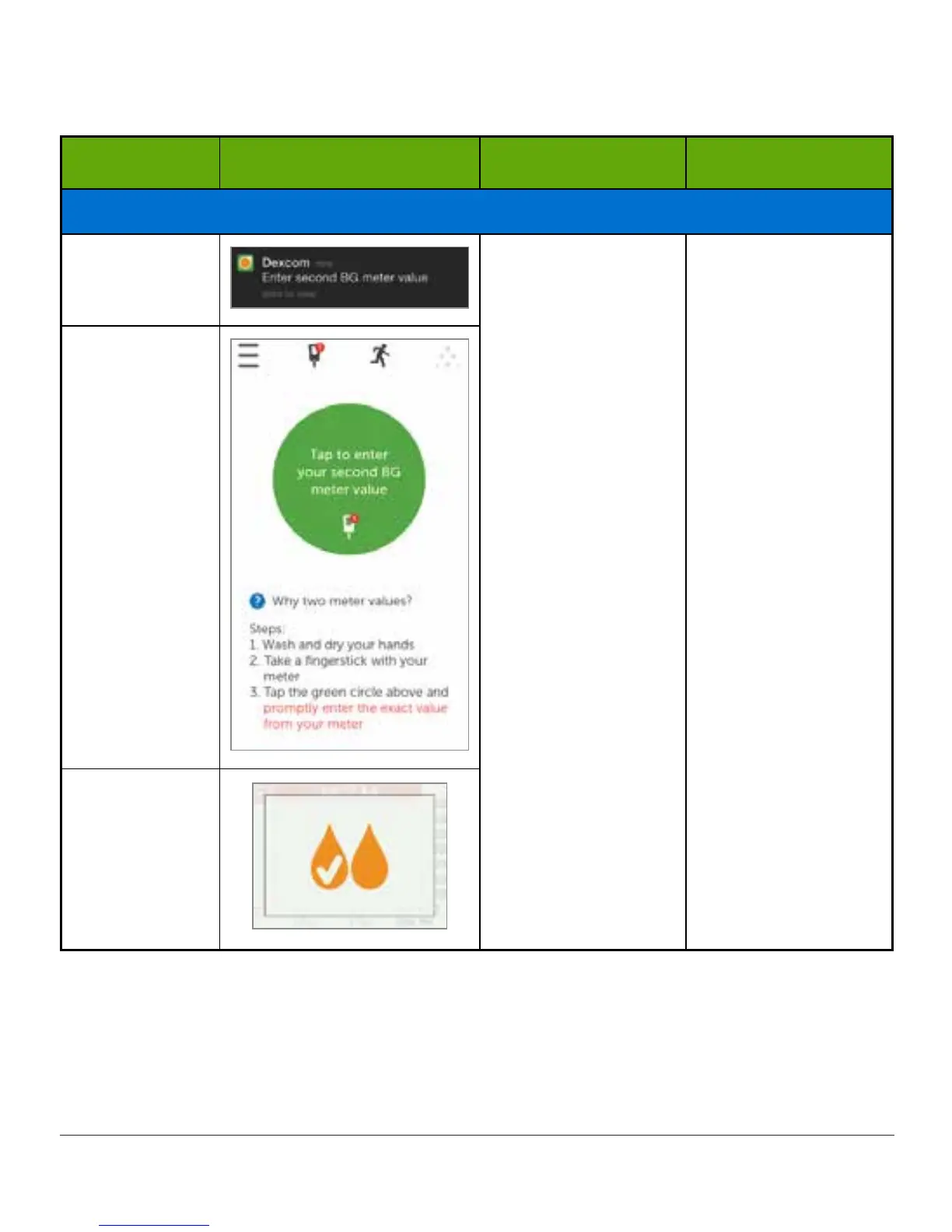
Smart Device:
Lock Screen
Sensor accepted
first calibration.
Ready for second
BG meter value.
Follow steps in
Section 7.6 and 7.7.
Next calibration in
12 hours.
Smart Device:
In App
Receiver
Your sensor glucose readings begin in approximately five minutes once the device(s) accepts
your calibrations. Look for the dots on your trend screen. Each dot represents a single
reading taken every five minutes.



 To Next Page