Dexcom G5 Mobile System User Guide
112Calibration
Update Calibration Prompts
Once your start-up calibration is done, your update calibration schedule begins.
The steps to enter your update calibrations are the same as your initial calibration, including
entering values in only one display device. The only difference is, with update calibrations;
you enter your BG meter value just once.
Like the reminders you received with your initial calibration, if you don’t enter your BG meter
values right away, the system notifies you every 15 minutes.
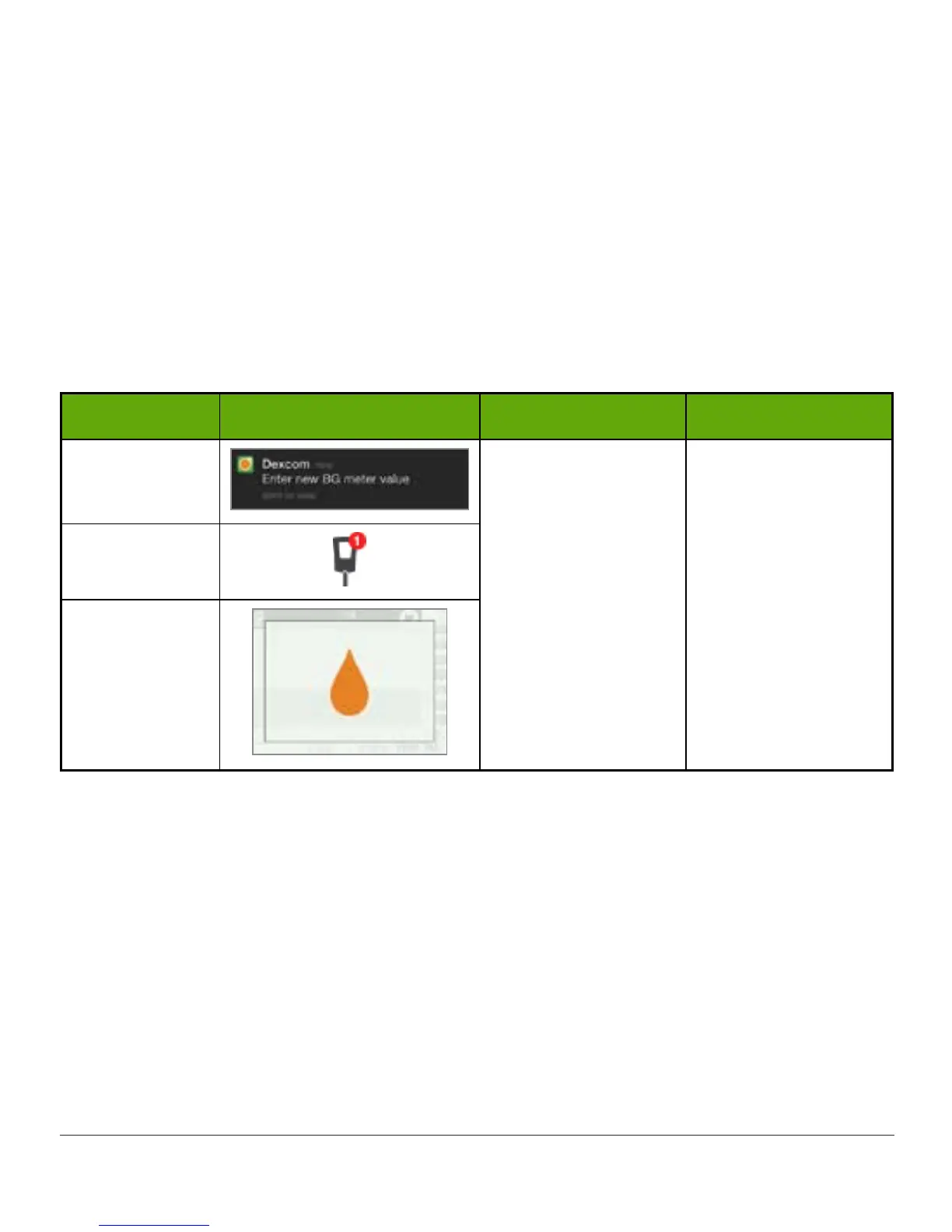
Update Calibration Notifications
Device What you see What it means What you do
Smart Device:
Lock Screen
Enter update
calibration.
If notification
doesn’t go away:
• System didn’t
accept calibration
• BG values are
very different
from sensor
glucose readings
Follow steps in
Section 7.6 and 7.7.
Immediately prepare
for next calibration.
Smart Device:
In App
Receiver
Tap message to confirm notification on your smart device, or press select button to confirm
it on your receiver.
Sound/Vibration Prompts
In case you can’t look at your screen, both the smart device and receiver provide, with the
exception of your regular 12-hour update calibration, sound/vibration prompts notifications to
let you know it’s time to calibrate or if there was a system calibration error.



 To Next Page