Dexcom G5 Mobile System User Guide
133Ending Your Sensor Session and Transmitter Session
Prompts to End Sensor Session Early
System Prompts
Device What you see What it means
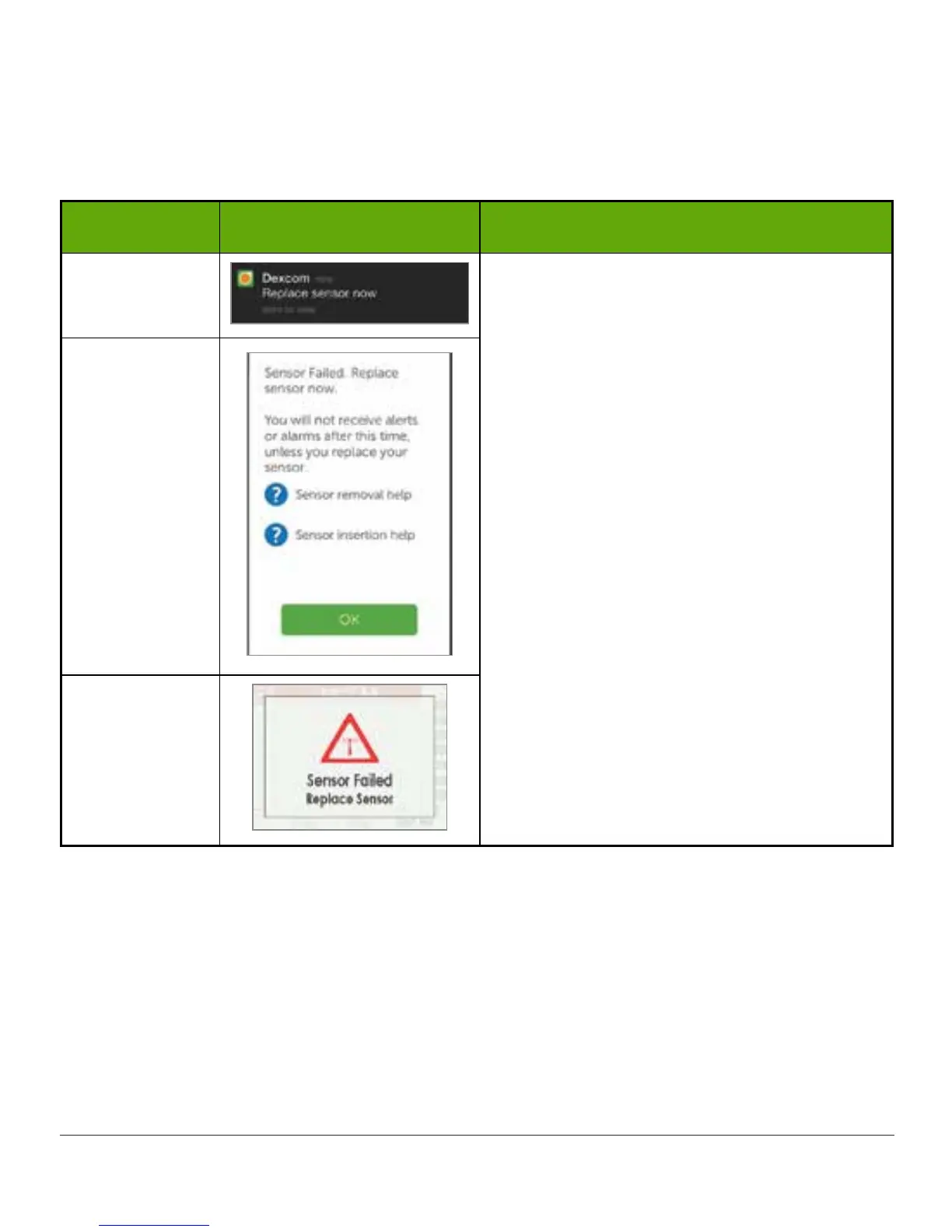
Smart Device:
Lock Screen
Sensor issues detected.
Session ends automatically.
No:
• Sensor glucose readings
• Alarm/Alerts
Tap OK.
Replace sensor.
Smart Device:
In App
Receiver
(Continued on next page)



 To Next Page