Dexcom G5 Mobile System User Guide
134Ending Your Sensor Session and Transmitter Session
(Continued from previous page)
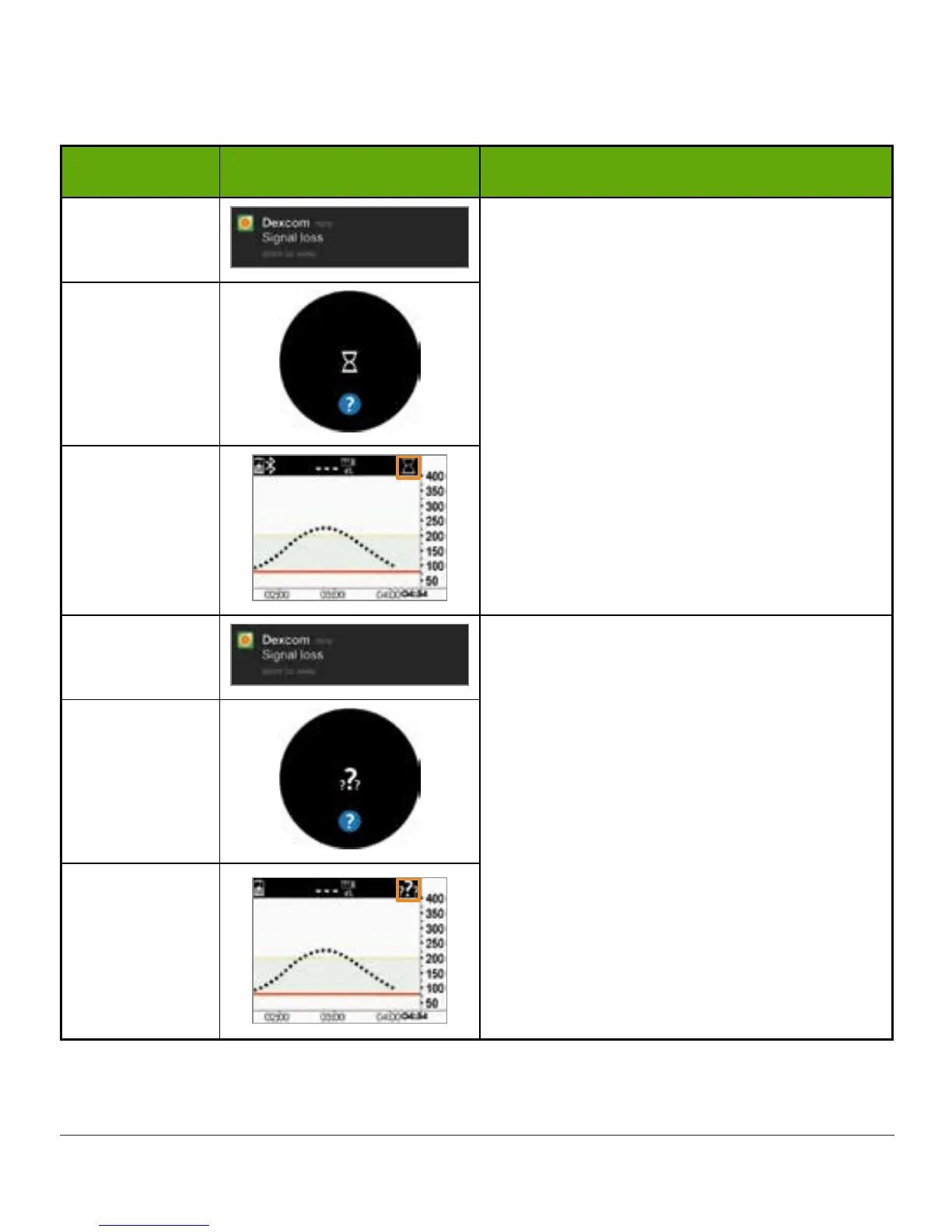
Device What you see What it means
Smart Device:
Lock Screen
Wait up to three hours while the system
autocorrects.
Check transmitter—is it properly inserted
into sensor pod?
Make sure you haven't taken
acetaminophen.
If not corrected after 3 hours:
Contact Technical Support (available 24/7):
• TechSupport@dexcom.com
• Toll free: 1.888.738.3646
• Toll call: 1.858.200.0200
Smart Device:
In App
Receiver
Smart Device:
Lock Screen
Wait up to three hours while the system
autocorrects.
Check transmitter—is it properly inserted
into sensor pod?
Make sure you haven’t taken
acetaminophen.
If not corrected after 3 hours:
Contact Technical Support (available 24/7):
• TechSupport@dexcom.com
• Toll free: 1.888.738.3646
• Toll call: 1.858.200.0200
Smart Device:
In App
Receiver



 To Next Page