Dexcom G5 Mobile System User Guide
138Ending Your Sensor Session and Transmitter Session
Temporarily Shutting Down Receiver
To save on its battery, you can temporarily shut down the receiver. When shut down, your
receiver and transmitter no longer communicate and you won’t get any Alarm or Alerts,
although your sensor session remains active.
Shutting down the receiver does not extend your sensor session past the seven days; it only
stops the receiver from communicating with the transmitter. Your sensor session will stop
seven days after you started the session even if you temporarily shut the receiver off.
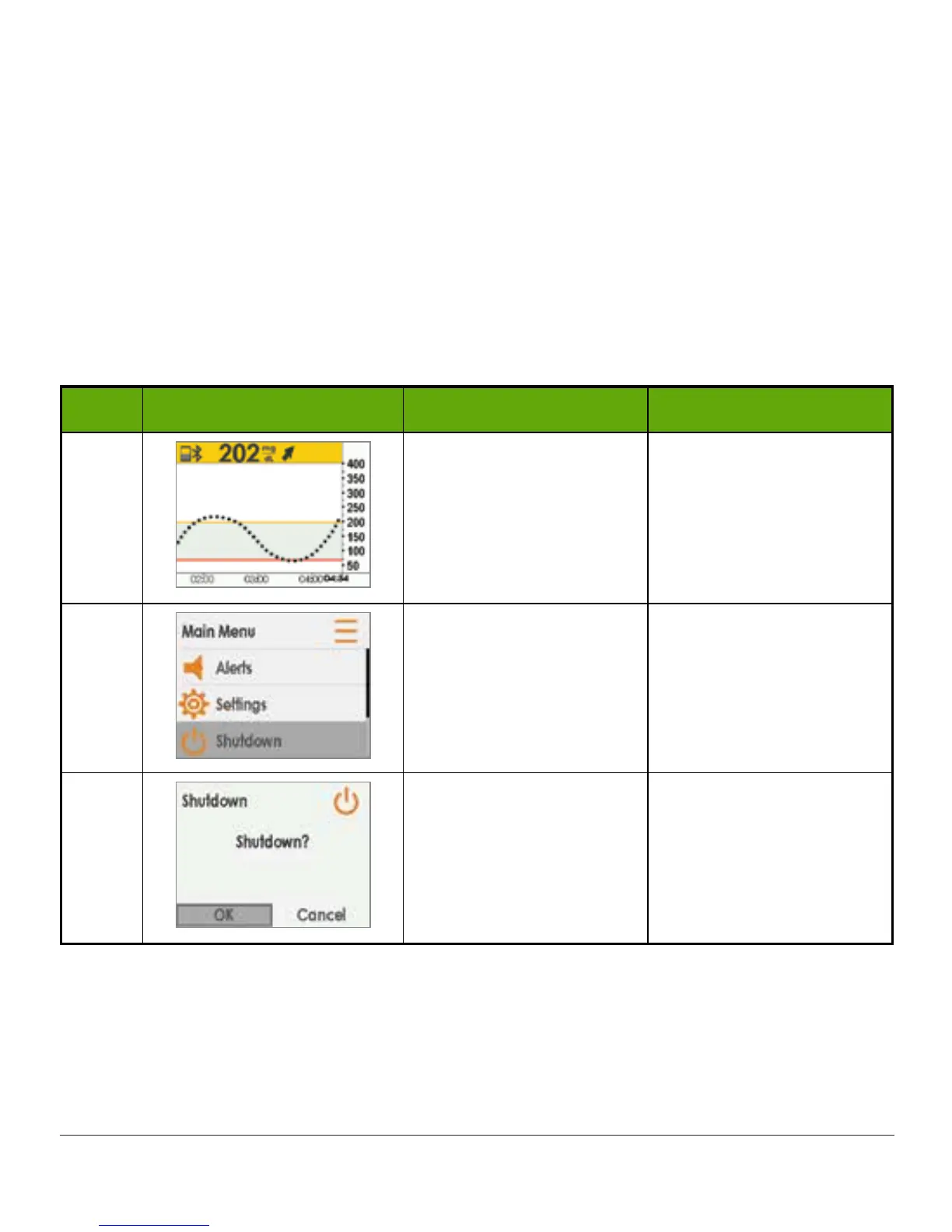
Shutting Down Receiver
Step What you see What you do What it means
1
Press select button. Go to Main Menu.
2
Press down arrow to
highlight Shutdown.
Press select button.
Pauses sensor session.
Doesn’t extend sensor
session.
During session: Stop
Sensor option appears.
3
Press select button.
Confirms you want to
shut down receiver.
Press the select button to turn the receiver back on. It may take up to 20 seconds for the
receiver to turn on.



 To Next Page