Dexcom G5 Mobile System User Guide
146Ending Your Sensor Session and Transmitter Session
(Continued from previous page)
Step What you see What you do
5a
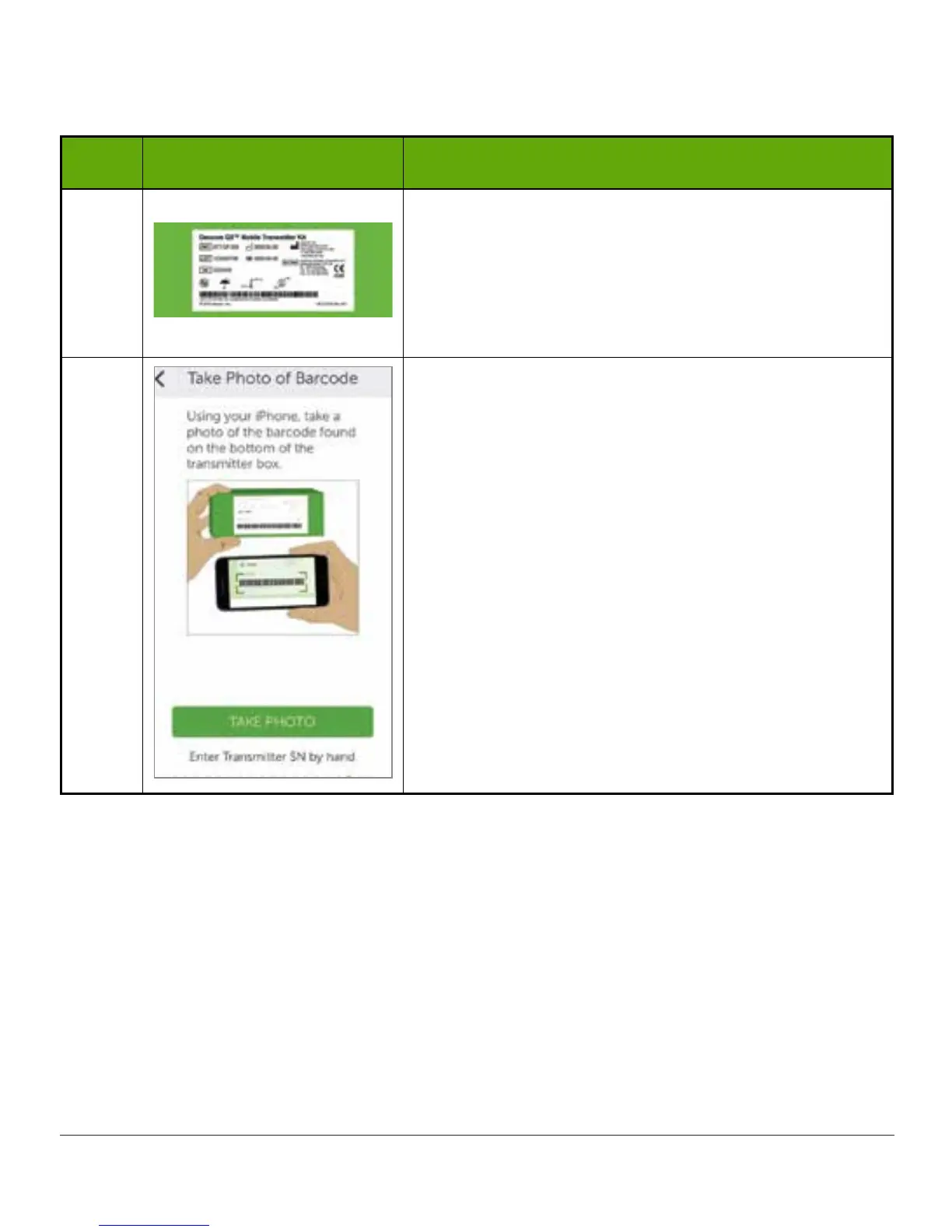
If you still have transmitter package:
Turn transmitter box upside down on a flat surface,
with barcodes facing up.
Please Note: Picture is representational only; the
back of your transmitter box may not look the same.
5b
Center longest barcode within green brackets.
Tap Take Photo.
(Continued on next page)



 To Next Page