Dexcom G5 Mobile System User Guide
147Ending Your Sensor Session and Transmitter Session
(Continued from previous page)
Step What you see What you do
5c
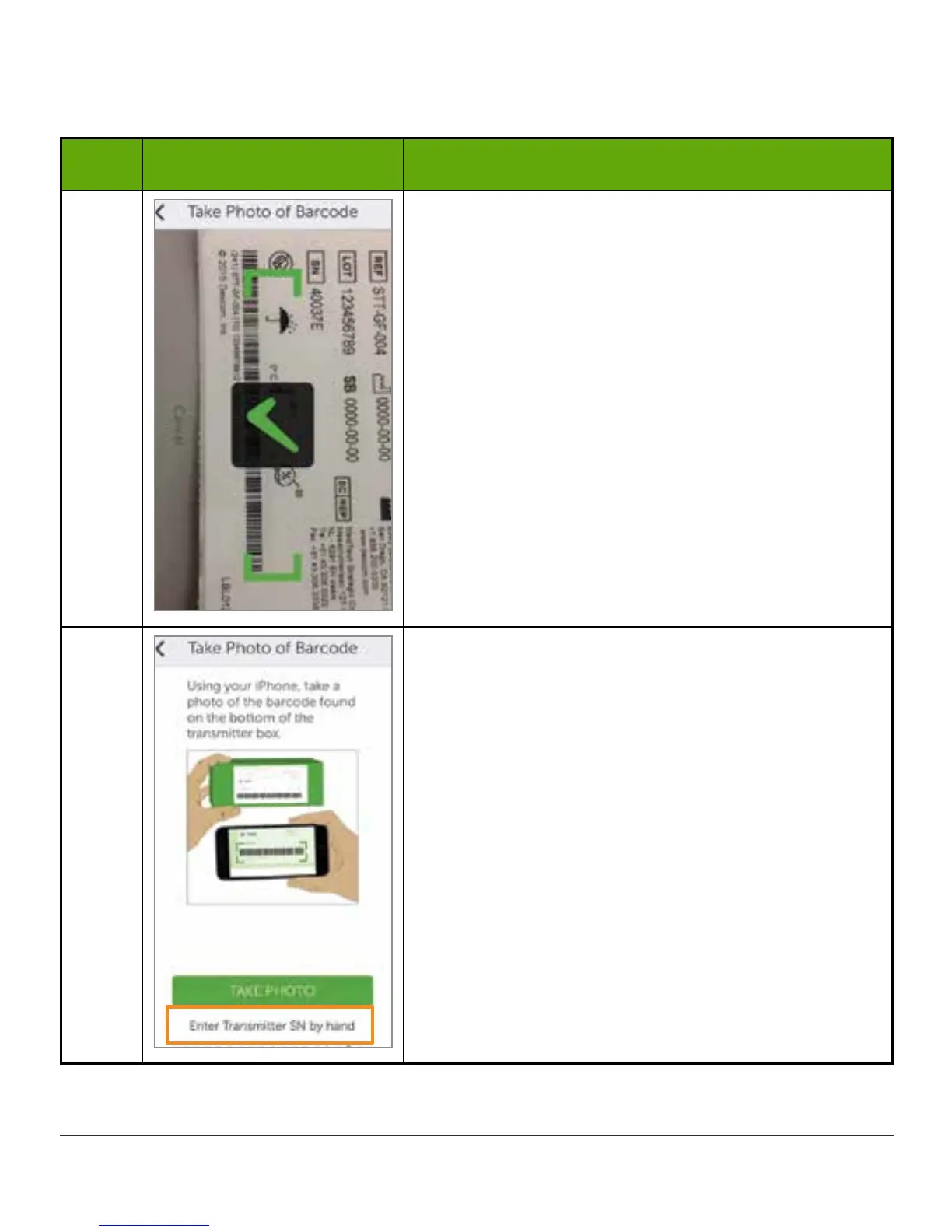
Check mark confirms successful transmitter SN
scan.
6a
If unable to use app’s scanning device:
Tap Enter transmitter SN by hand.
(Continued on next page)



 To Next Page