Dexcom G5 Mobile System User Guide
148Ending Your Sensor Session and Transmitter Session
(Continued from previous page)
Step What you see What you do
6b
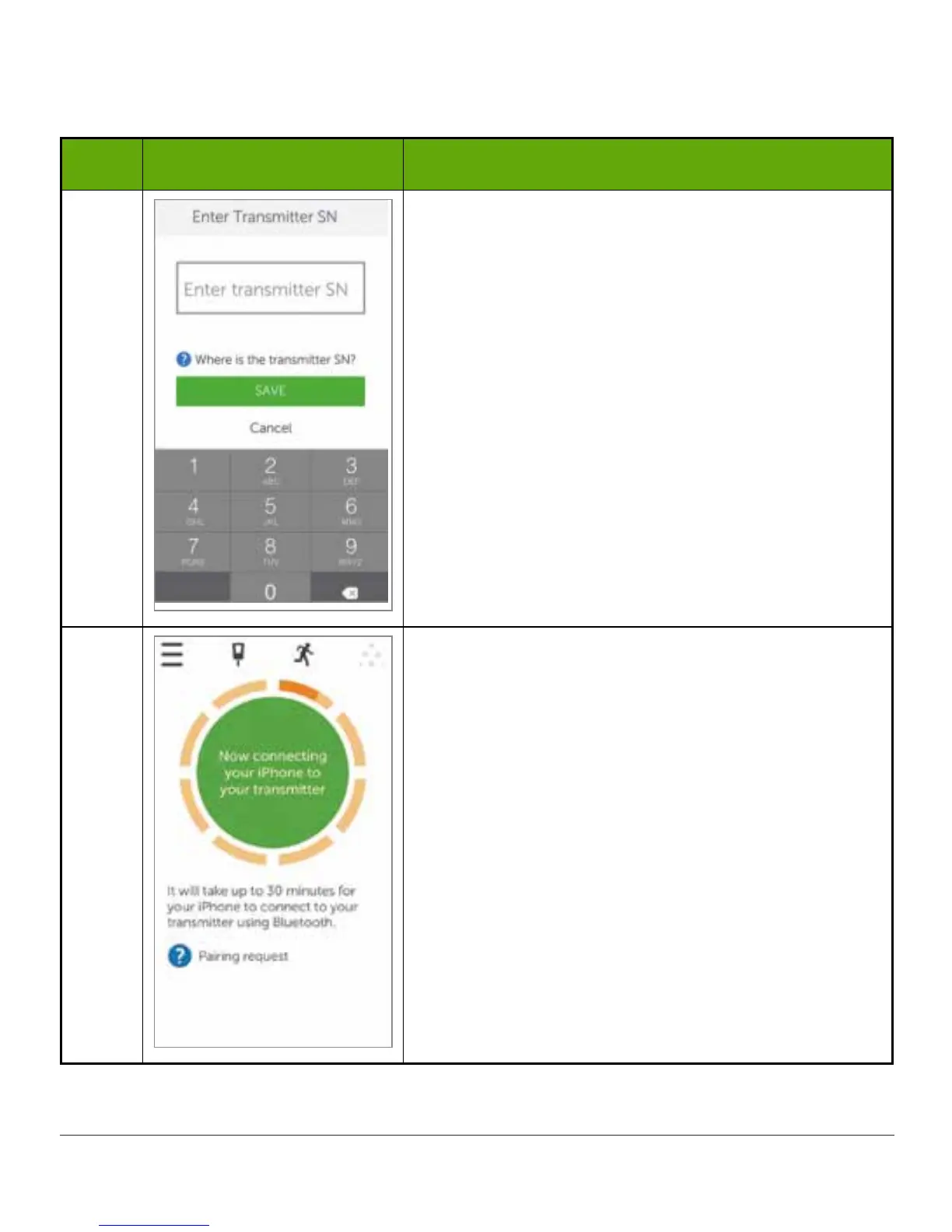
Use keyboard to enter transmitter SN.
Confirm correct SN .
Tap Save.
7
Wait up to 30 minutes for smart device and
transmitter to connect.
(Continued on next page)



 To Next Page