Dexcom G5 Mobile System User Guide
149Ending Your Sensor Session and Transmitter Session
(Continued from previous page)
Step What you see What you do
8
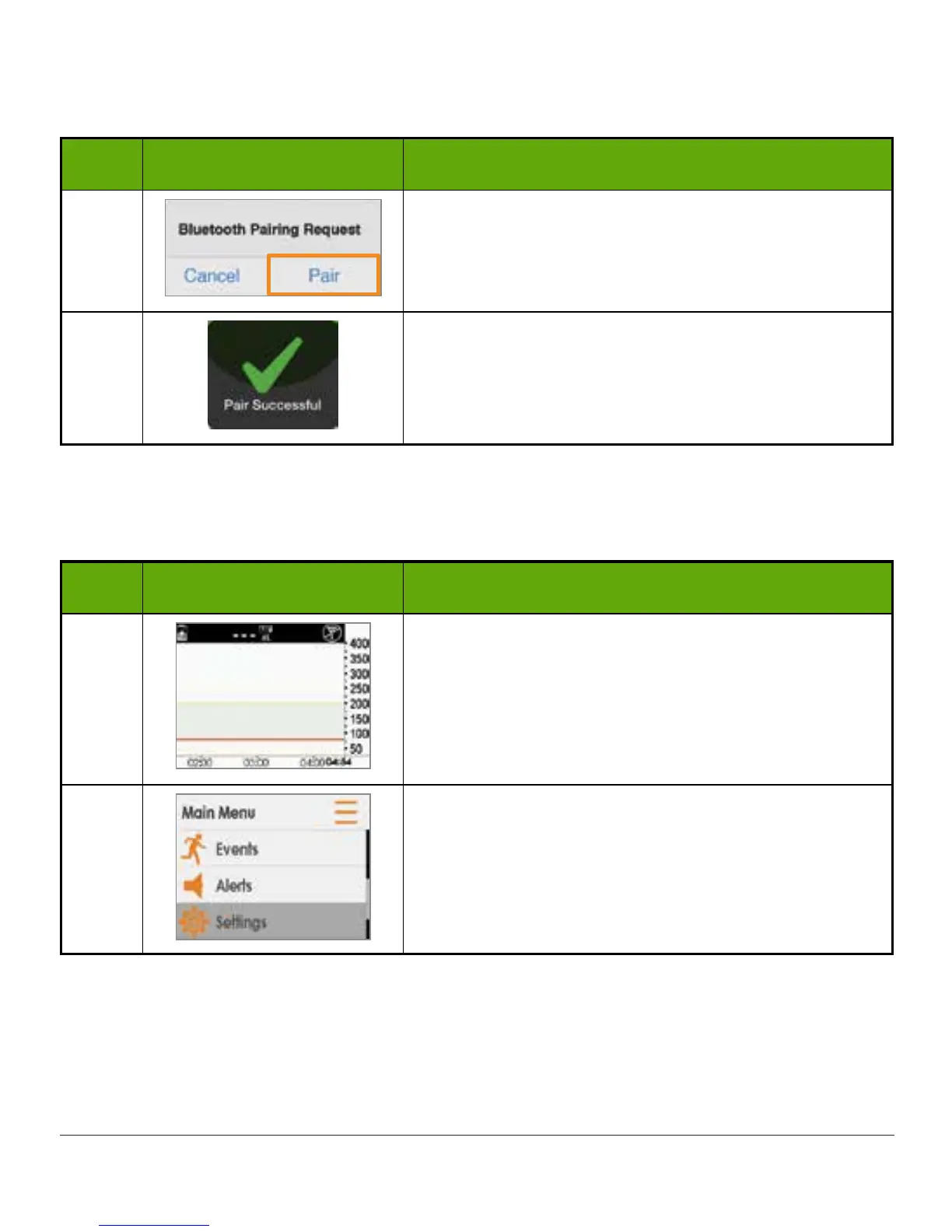
At notification, Tap Pair to pair app with smart
device.
9
Before starting a new sensor session, make sure
your smart device and transmitter are paired.
Pairing New Transmitter With Receiver
Step What you see What you do
1
After inserting sensor and attaching transmitter
into the sensor pod:
Press left arrow twice to go to Main Menu.
2
Press down arrow to highlight Settings.
Press select button.
(Continued on next page)



 To Next Page