Dexcom G5 Mobile System User Guide
164Home Screen, Rate of Change Arrows, and Errors
(Continued from previous page)
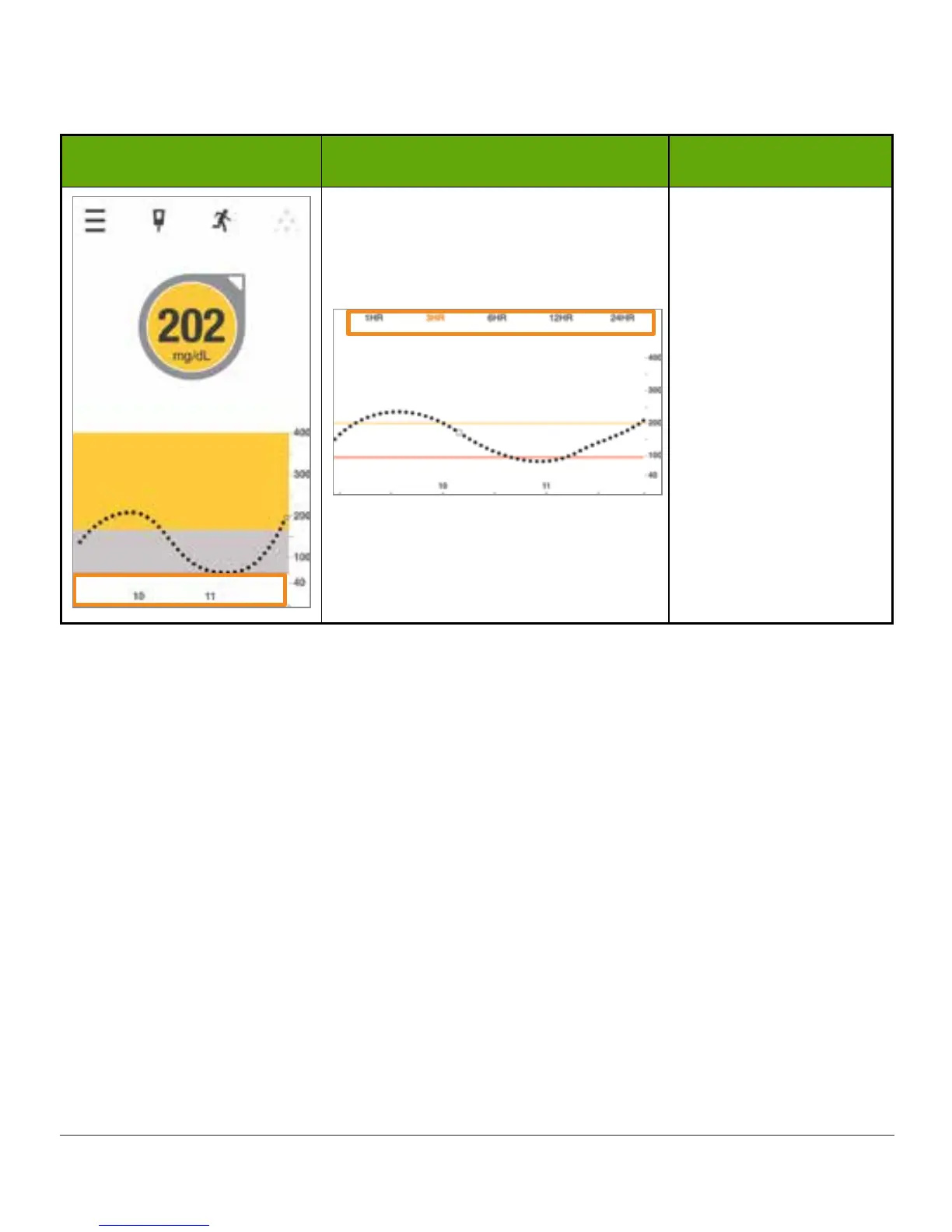
App: Portrait App: Landscape What it means
Trend Graph Time
Frame
Default is most recent
3 hours.
Turn smart device to
landscape mode for
most recent 1-, 3-,
6-, 12-, and 24-hour
readings.
When the app and transmitter connect after a Signal Loss, up to three hours of missed
readings can fill in on the trend graph.
Apple Watch and Today View
The G5 Mobile app offers other ways to check your glucose information, aside from opening
the app. If you choose, you can use either of the following methods:
• Today view
• Apple Watch
Today View
Use the Today view to check your glucose quickly, even when the device is locked.
To open the Today view:
1. Swipe down from the top edge of your screen.
2. Swipe right.
3. Scroll to the bottom and tap Edit to add Dexcom to that screen.



 To Next Page