Dexcom G5 Mobile System User Guide
165Home Screen, Rate of Change Arrows, and Errors
Today View
Today View Name What it means
Today View
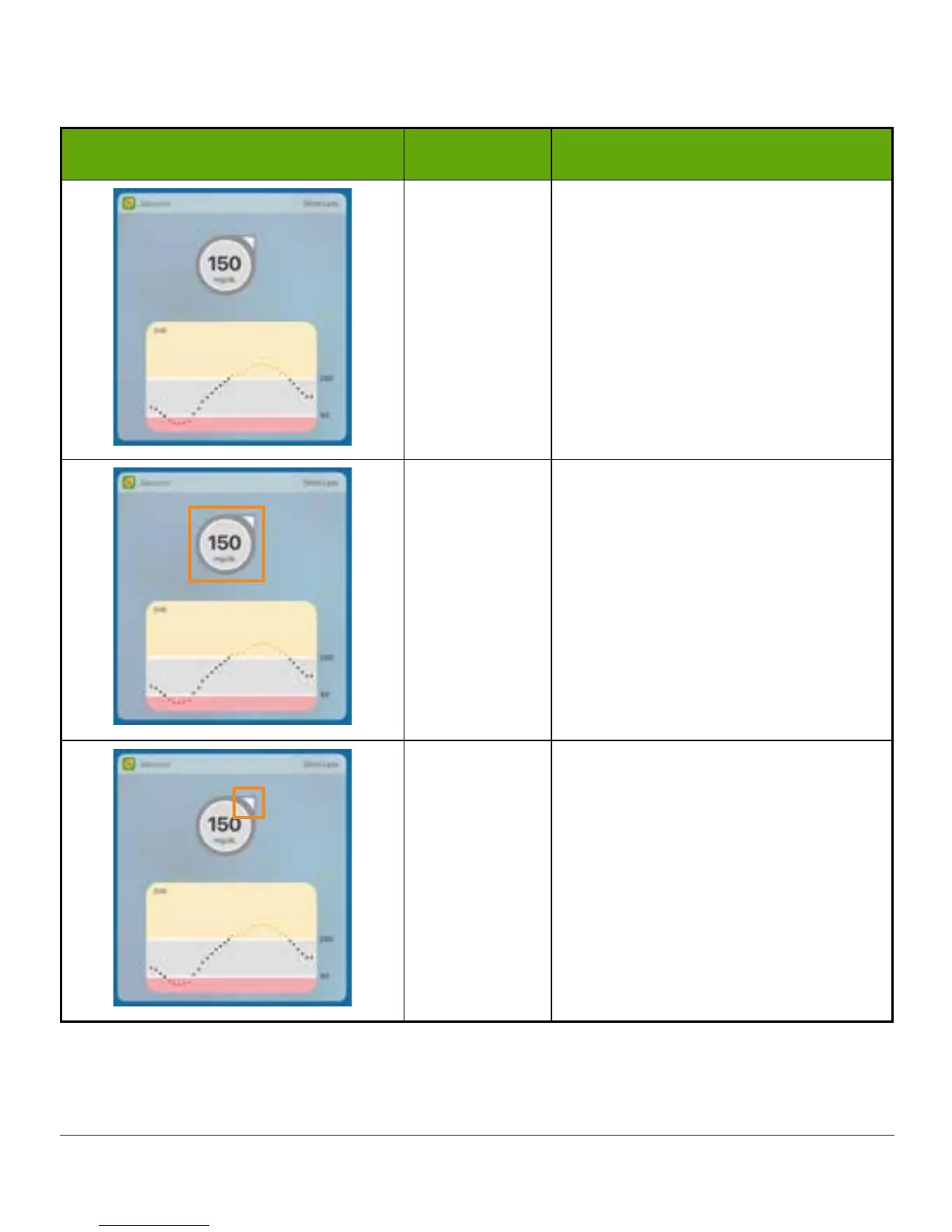
Displays your glucose information:
• Current glucose number
• Direction your glucose is
heading
• Graph of glucose trend
Sensor
Glucose
Reading
Shows most recent sensor glucose
reading.
Color of circle changes:
• Yellow: At or above target
• Gray: Within target range
• Red: At or below target
Trend Arrow
Shows direction and speed your
glucose is changing.
(Continued on next page)



 To Next Page