Dexcom G5 Mobile System User Guide
166Home Screen, Rate of Change Arrows, and Errors
(Continued from previous page)
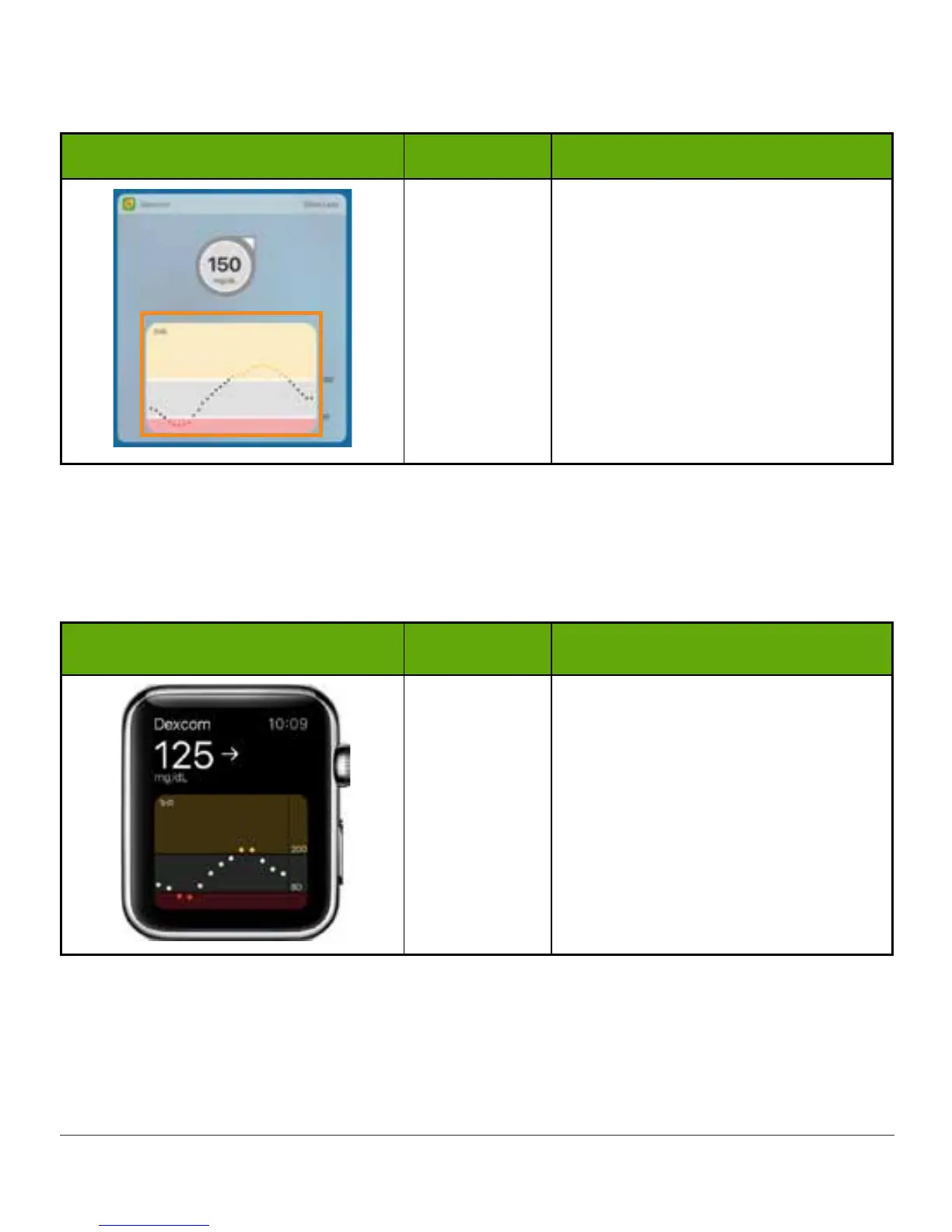
Today View Name What it means
Trend Graph
Graph of your recent glucose readings
between 40 and 400 mg/dL.
Glucose target range Alert settings:
• Yellow bar: High Alert level
• Gray background: Target
range
• Red bar: Low Alert level or,
if that’s disabled, 55 mg/dL
(Urgent Low Glucose Alarm)
Apple Watch (iPhone only)
Check your CGM on your Apple Watch. Use the Watch app on your smart device to add G5 to
the Watch. See your Apple Watch instructions for help.
Today View Name What it does
G5 on Apple
Watch
Displays your glucose information:
• Current glucose number
• Direction your glucose is
heading
• Graph of glucose trend
(Continued on next page)



 To Next Page