Dexcom G5 Mobile System User Guide
171Home Screen, Rate of Change Arrows, and Errors
Glucose Information
Receiver What it does
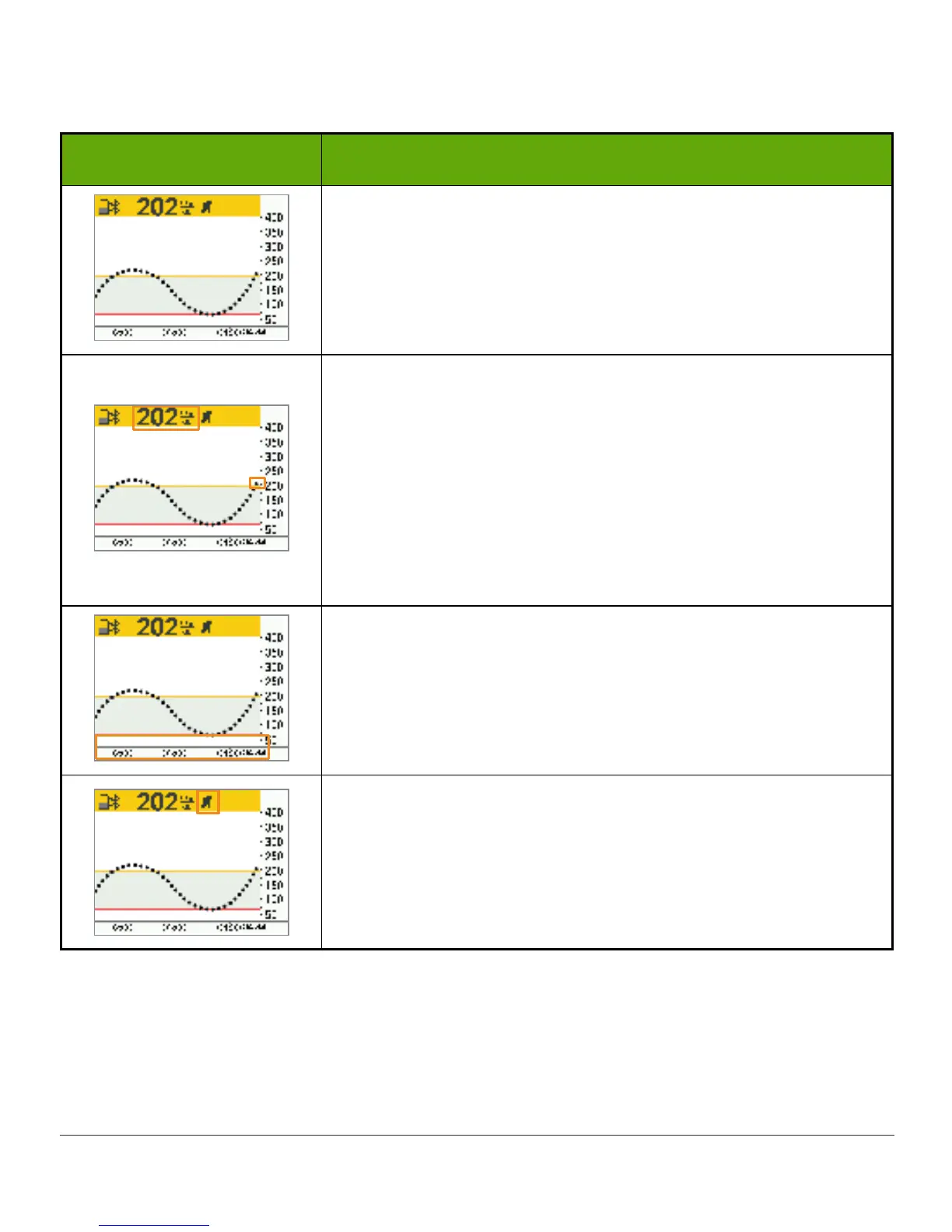
Home screen.
Number
Most recent sensor glucose reading.
Shown in milligrams per deciliter (mg/dL). Color of status bar
changes:
• Yellow: At or above target
• Gray: Within target range
• Red: At or below target
Historical Readings
Default is most recent 3 hours.
Press up/down arrows to access 1-, 3-, 6-, 12-, or 24-hour
trend views.
Rate of Change Arrow
Direction and speed of your glucose changes.
(Continued on next page)



 To Next Page