Dexcom G5 Mobile System User Guide
172Home Screen, Rate of Change Arrows, and Errors
(Continued from previous page)
Receiver What it does
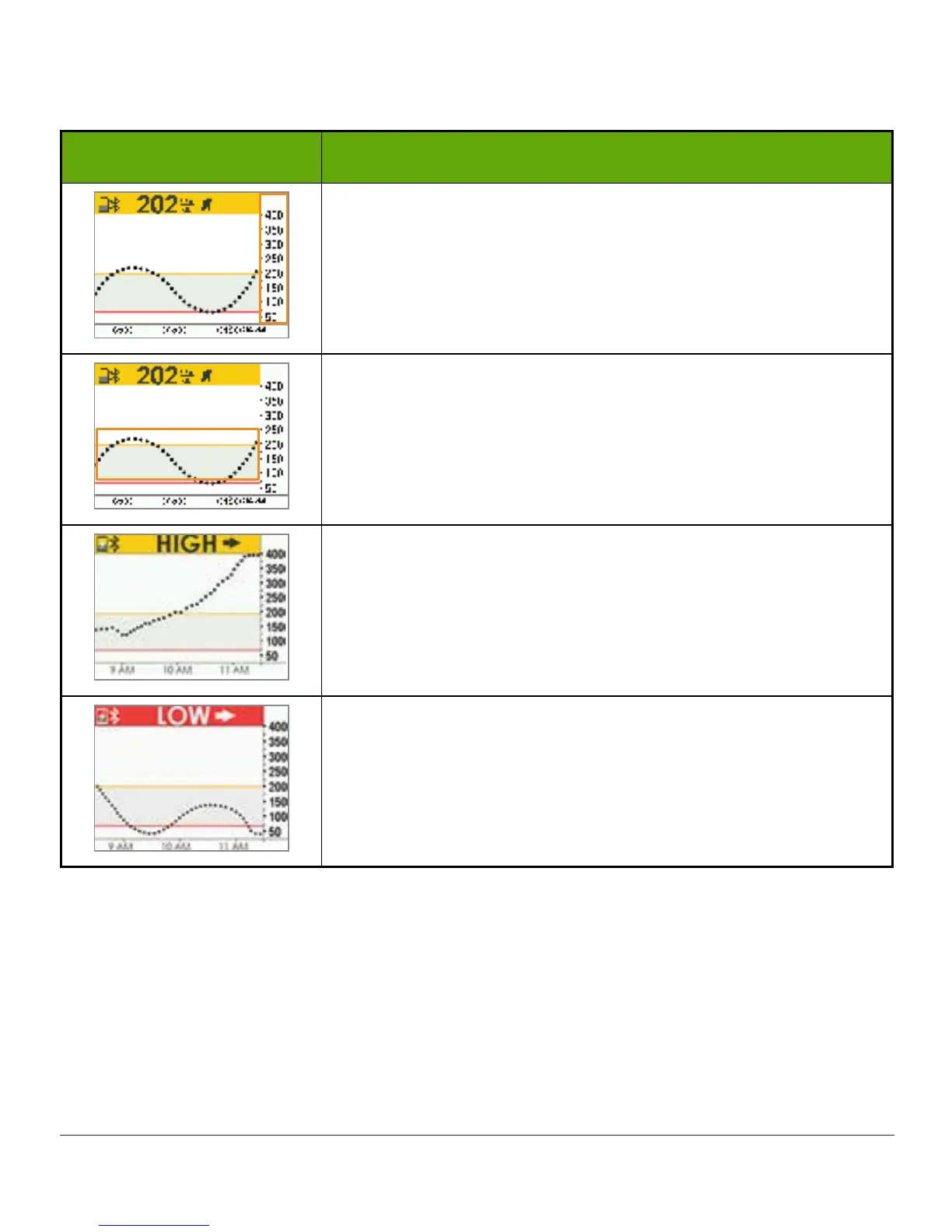
Sensor Glucose Reading Range
Shows between 40-400 mg/dL.
Glucose Target Range Alert Settings.
• Yellow bar: High Alert setting
• Gray fill: Target range
• Red bar: Low Alert setting
Your sensor glucose readings are above 400 mg/dL.
You will not receive sensor readings until you are at or below
400 mg/dL.
Your sensor glucose readings are below 40 mg/dL.
You will not receive sensor readings until you are at or above
40 mg/dL.
Now that you’re familiar with the basic layout of the trend graph screen and can locate
readings, identify color-coding, and view time frames, let’s take a closer look at the rate of
change arrows.



 To Next Page