Dexcom G5 Mobile System User Guide
176Home Screen, Rate of Change Arrows, and Errors
(Continued from previous page)
What you see What you do
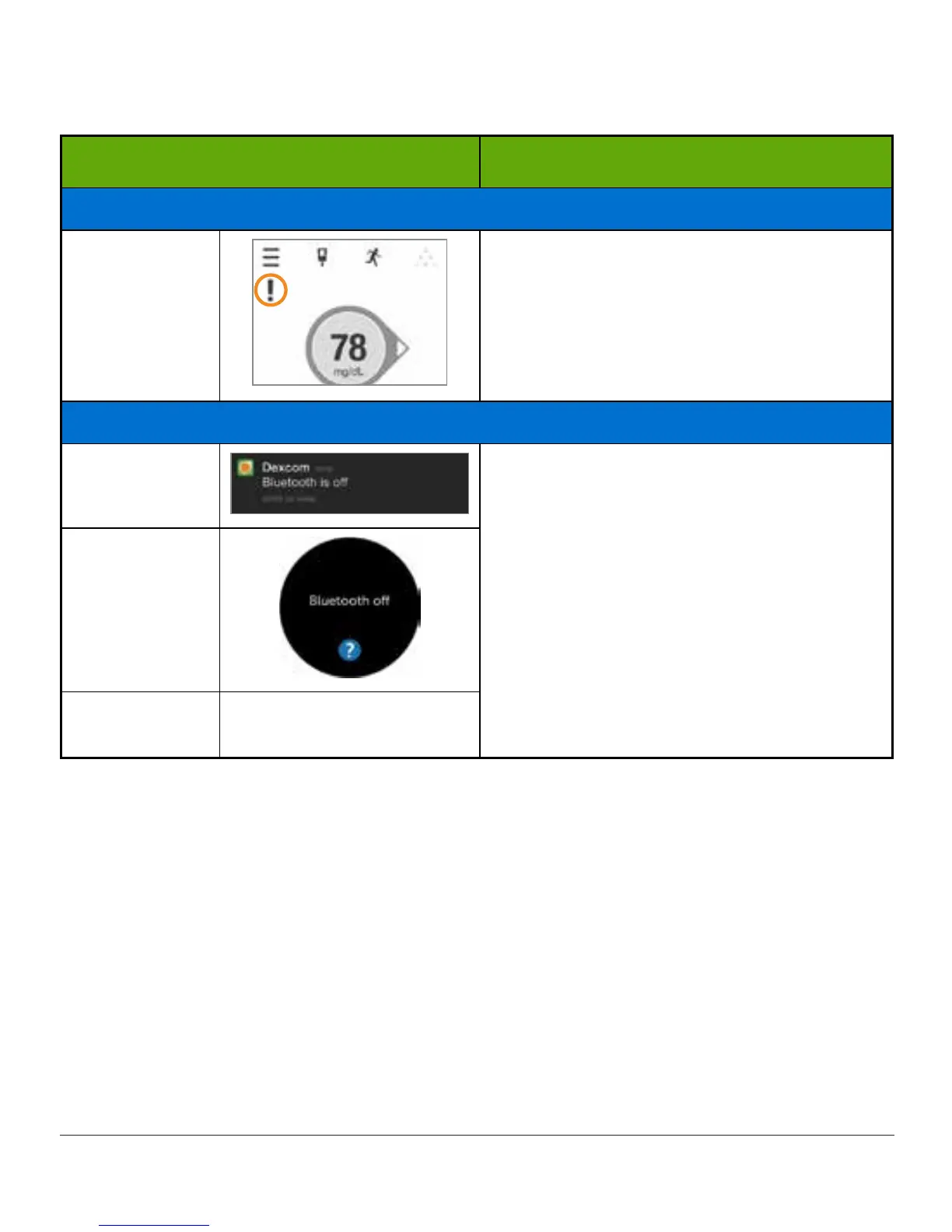
App Notifications Disabled
Smart Device:
In App
Notifications from the app are blocked.
Enable Notifications in your smart
device settings. See your smart device
instructions.
Bluetooth Off
Smart Device:
Lock Screen
Smart device:
1. Pr ess Home button.
2. Tap Settings.
3. Tap Bluetooth.
4. Turn Bluetooth on.
Smart Device:
In App
Receiver
N/A; Bluetooth is always
on.
(Continued on next page)



 To Next Page