Dexcom G5 Mobile System User Guide
177Home Screen, Rate of Change Arrows, and Errors
(Continued from previous page)
What you see What you do
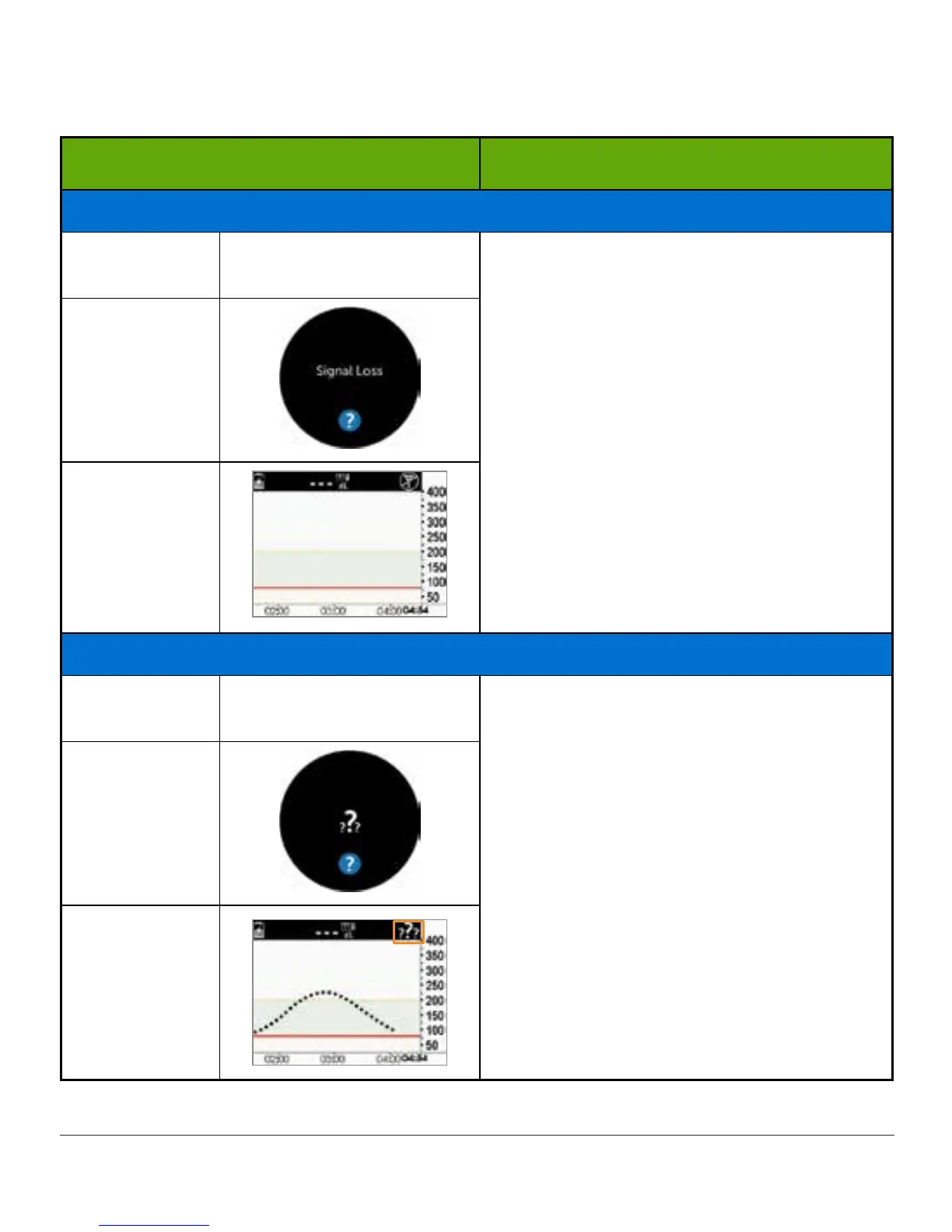
Not Getting Sensor Glucose Reading
Smart Device:
Lock Screen
N/A
Signal Loss receiver only:
Check—Are you:
• Within 20 feet of your display
device?
• In your two-hour warmup period?
• Outside of your calibration
schedule?
• In a sensor session?
Smart Device:
In App
Receiver
System Found Temporary Sensor Issue
Smart Device:
Lock Screen
N/A
Don’t calibrate.
System may correct problem on its own
and display sensor glucose readings again.
If notification stays for three hours:
Contact Technical Support (see Section
17.1).
Smart Device:
In App
Receiver
(Continued on next page)



 To Next Page