Dexcom G5 Mobile System User Guide
178Home Screen, Rate of Change Arrows, and Errors
(Continued from previous page)
What you see What you do
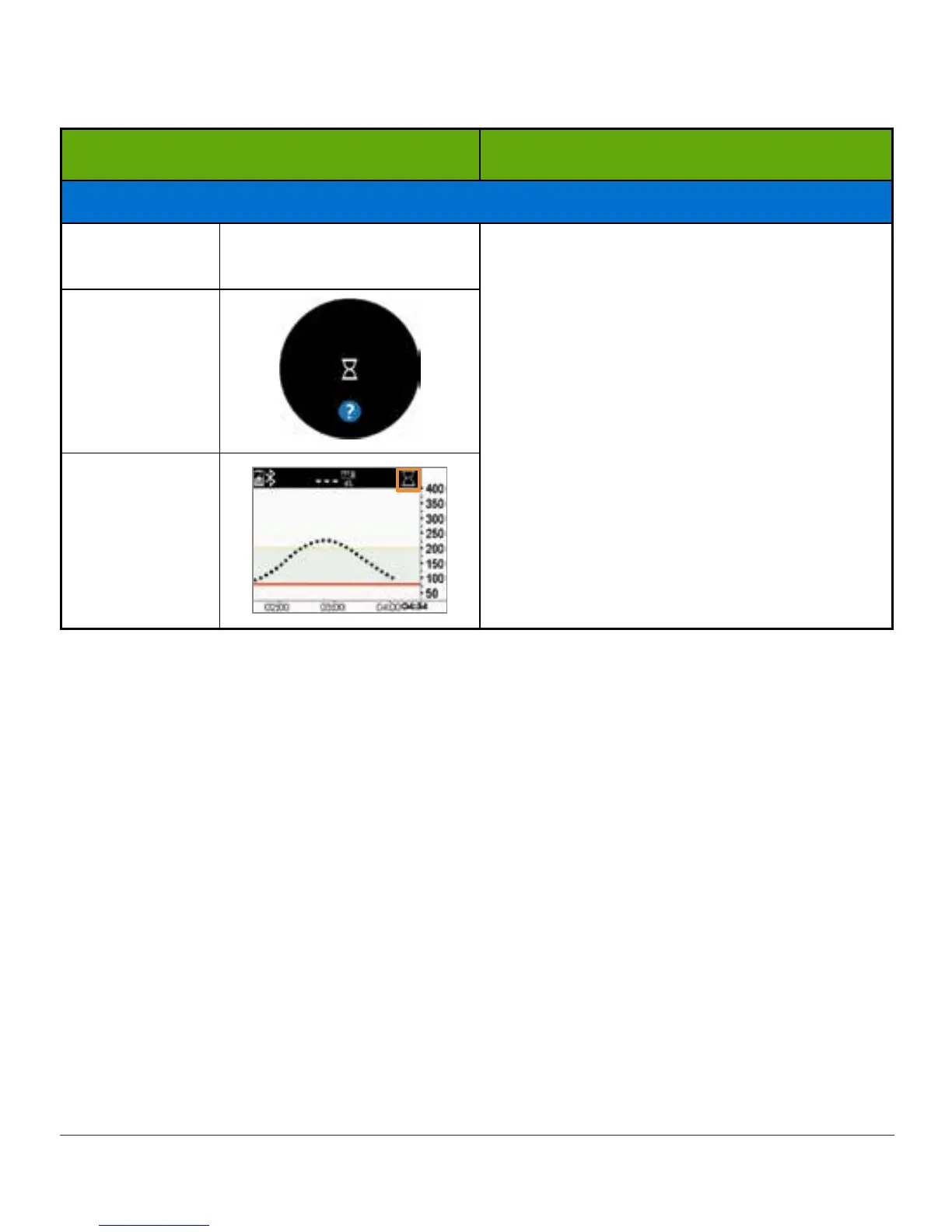
Transmitter and Sensor Not Communicating
Smart Device:
Lock Screen
N/A
Wait three hours while the transmitter tries
to fix the error.
Do not enter calibrations during this time.
Make sure your transmitter is properly
inserted into the sensor pod.
If not corrected:
• Contact Technical Support (see
Section 17.1)
• Remove sensor
• Insert new sensor
Smart Device:
In App
Receiver
(Continued on next page)



 To Next Page