EasyManua.ls Logo

Dexcom G5 Mobile - Page 278

Dexcom G5 Mobile
392 pages
Print Icon
To Next Page IconTo Next Page
To Previous Page IconTo Previous Page
Loading...
Dexcom G5 Mobile System User Guide
276How to Take Care of Your Dexcom G5
(Continued from previous page)
Step What you see What it means What you do
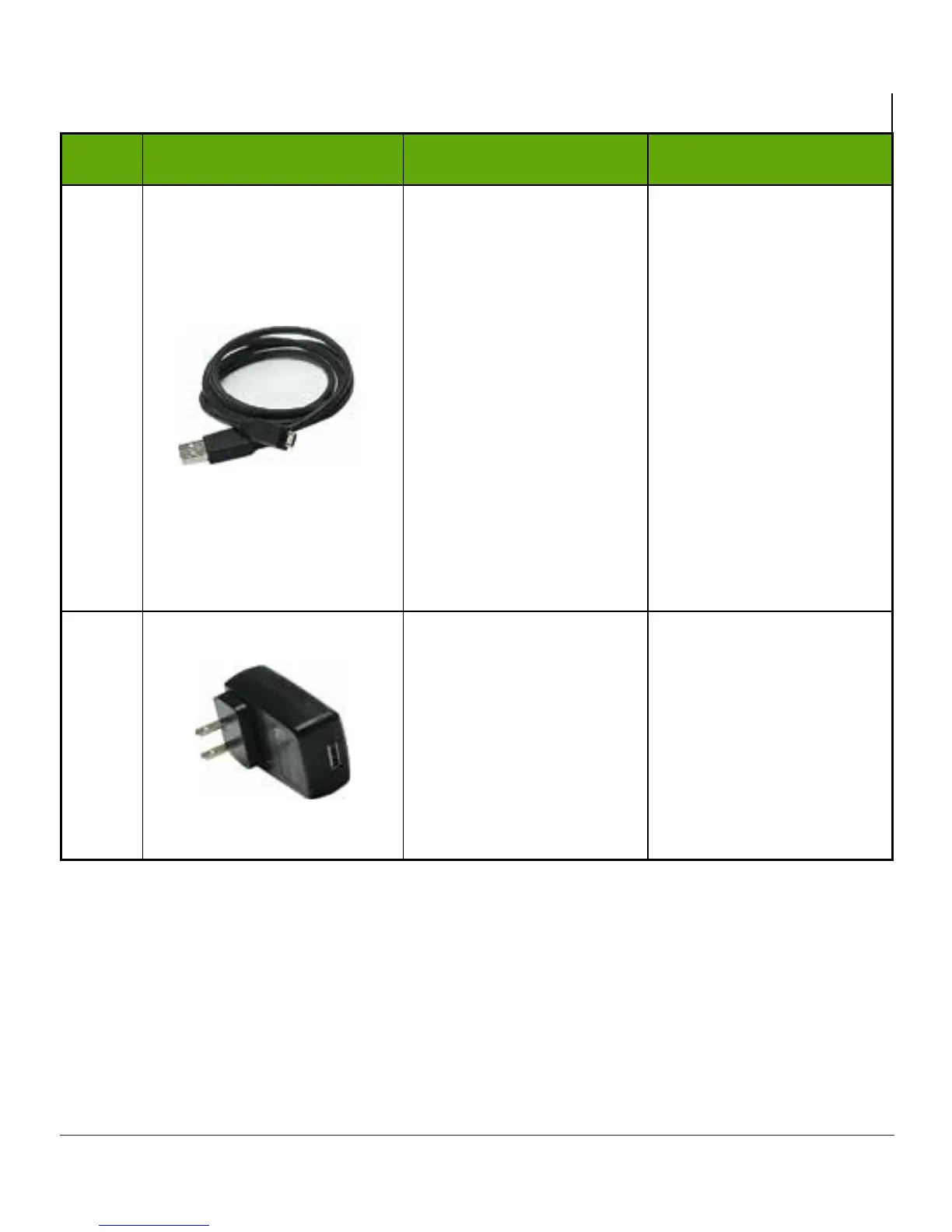
3 Micro USB Cable
Plug into receiver to
charge battery.
Don’t plug into a
computer port to charge
Don’t use an external
USB hub; it doesn’t
provide enough power to
charge battery.
Battery can only be
charged using the
adapter/wall charger.
Charge battery before
each new sensor
session.
4
Wall Charger
Plug
USB cable
into
adapter/wall charger.
Plug wall charger into
an electrical outlet
to charge receiver’s
battery.
Don’t
block access to
the charger.
(Continued on next page)

Table of Contents

Other manuals for Dexcom G5 Mobile

Related product manuals