EasyManua.ls Logo

Dexcom G5 Mobile - Page 345

Dexcom G5 Mobile
392 pages
Print Icon
To Next Page IconTo Next Page
To Previous Page IconTo Previous Page
Loading...
Dexcom G5 Mobile System User Guide
343Troubleshooting
(Continued from previous page)
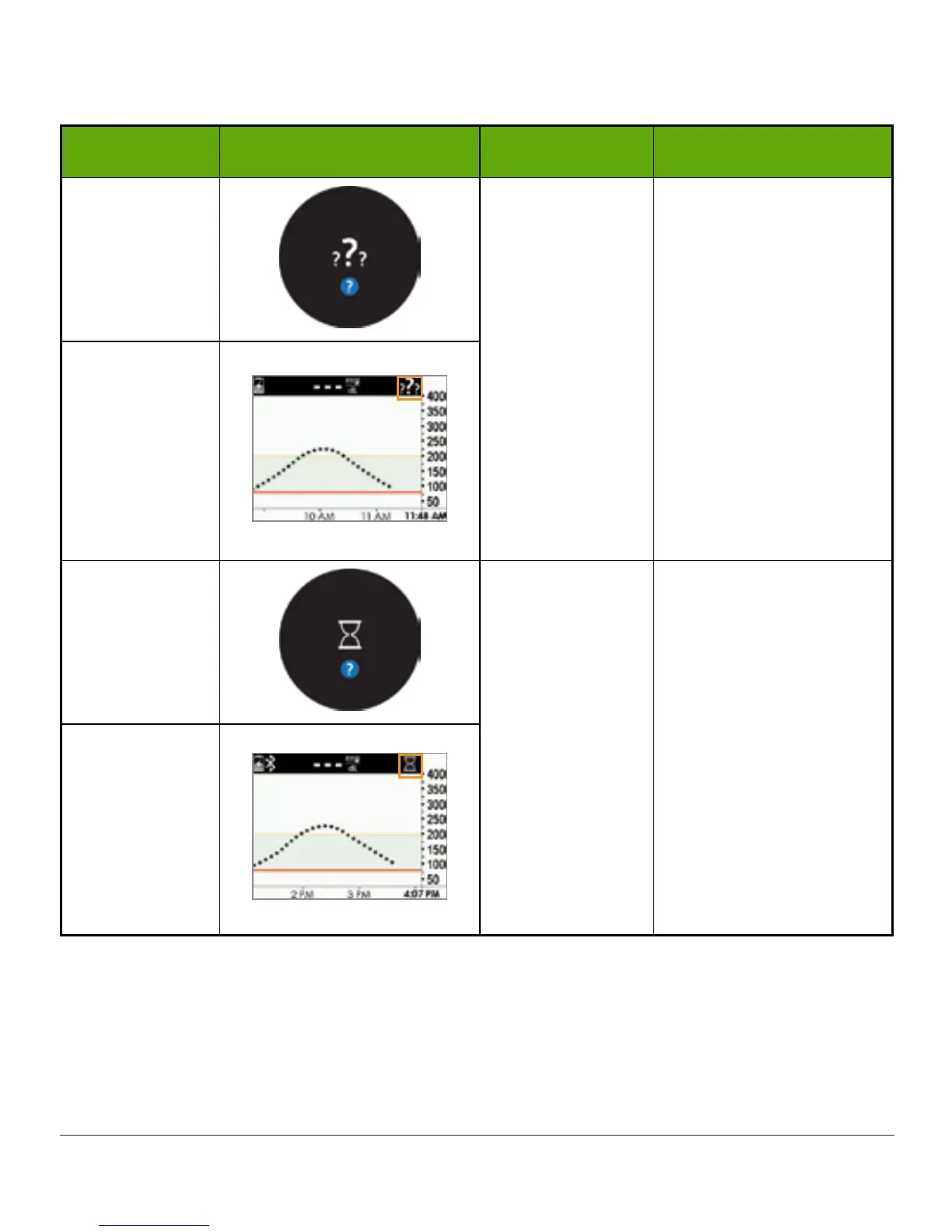
Device What you see Problem What you do
Smart Device:
In App
Not getting
sensor glucose
readings.
See Chapter 9.
Don’t
calibrate.
Wait for more prompts.
System may correct
problem itself and
continue to provide
sensor glucose
readings.
If 3 hours since last
sensor reading, contact
Technical Support (see
Section 17.1).
Receiver
Smart Device:
In App
Not getting
sensor glucose
readings.
See Chapter 9.
Wait
System will often
resolve itself.
If this continues for
an extended period of
time, contact Technical
Support to report error
(see Section 17.1).
Receiver
(Continued on next page)

Table of Contents

Other manuals for Dexcom G5 Mobile

Related product manuals