Dexcom G5 Mobile System User Guide
378Dexcom Share
When a device or connection is not working, Dexcom Share will not work. The Sharer will not
be able to send his/her sensor glucose readings and data to the Follower.
Troubleshooting Sharing Status Issues
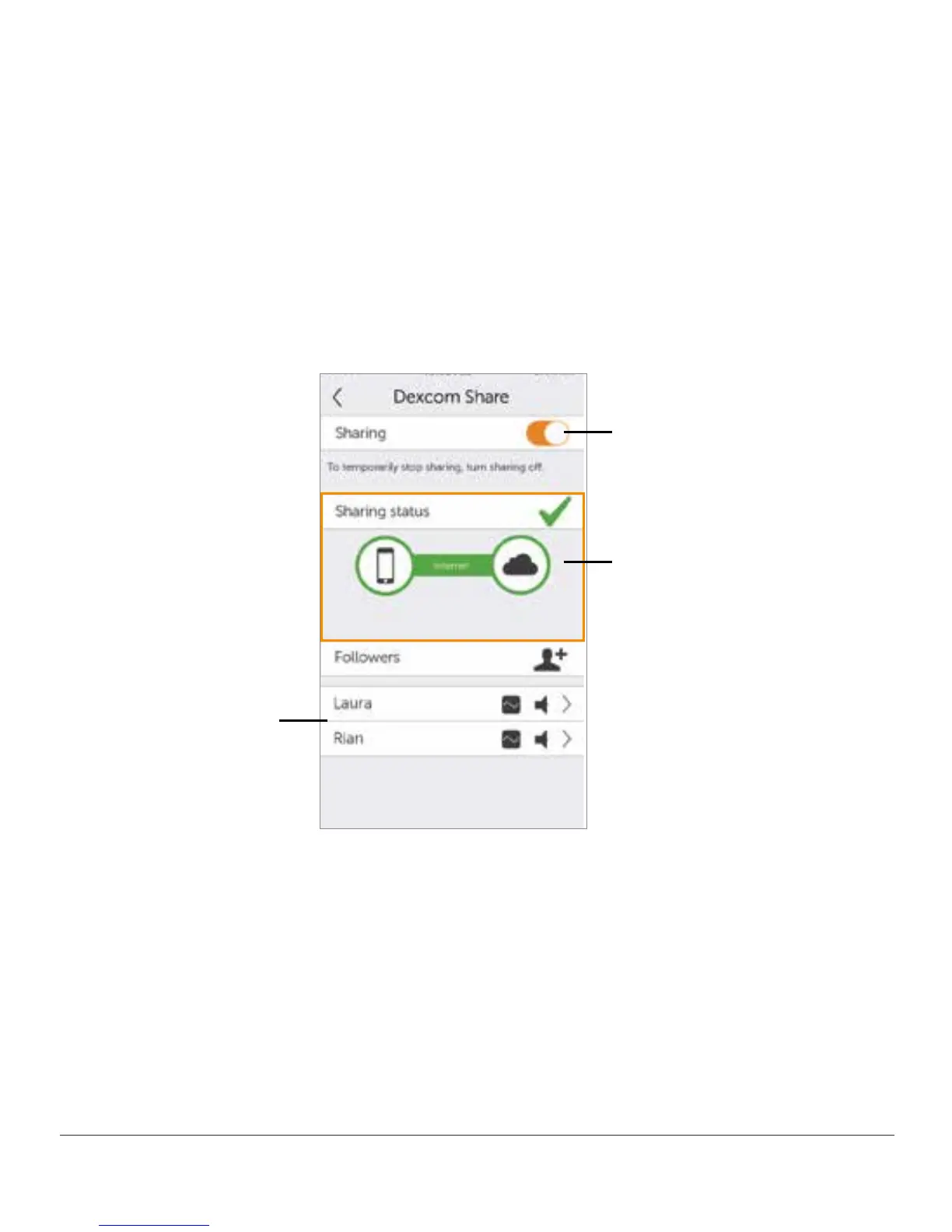
The Dexcom Sharing status bar is a useful tool. It can help identify if there is a problem
and Dexcom Share is not working. The following table provides troubleshooting tips for the
Sharing status bar.
On/Off Switch -
Turns sharing on
or off
Sharing Status Bar -
Status of sharing your
sensor glucose readings
with your Followers
Follower List - Add
Followers and lists
status of Followers.
Figure 10. Dexcom Share Screen
NOTE: Whether or not Dexcom Share is working and the Followers are receiving glucose
Alarm/Alerts, you must always refer to your Dexcom G5 display device(s) for your sensor
glucose readings and Alerts.



 To Next Page