Dexcom G5 Mobile System User Guide
379Dexcom Share
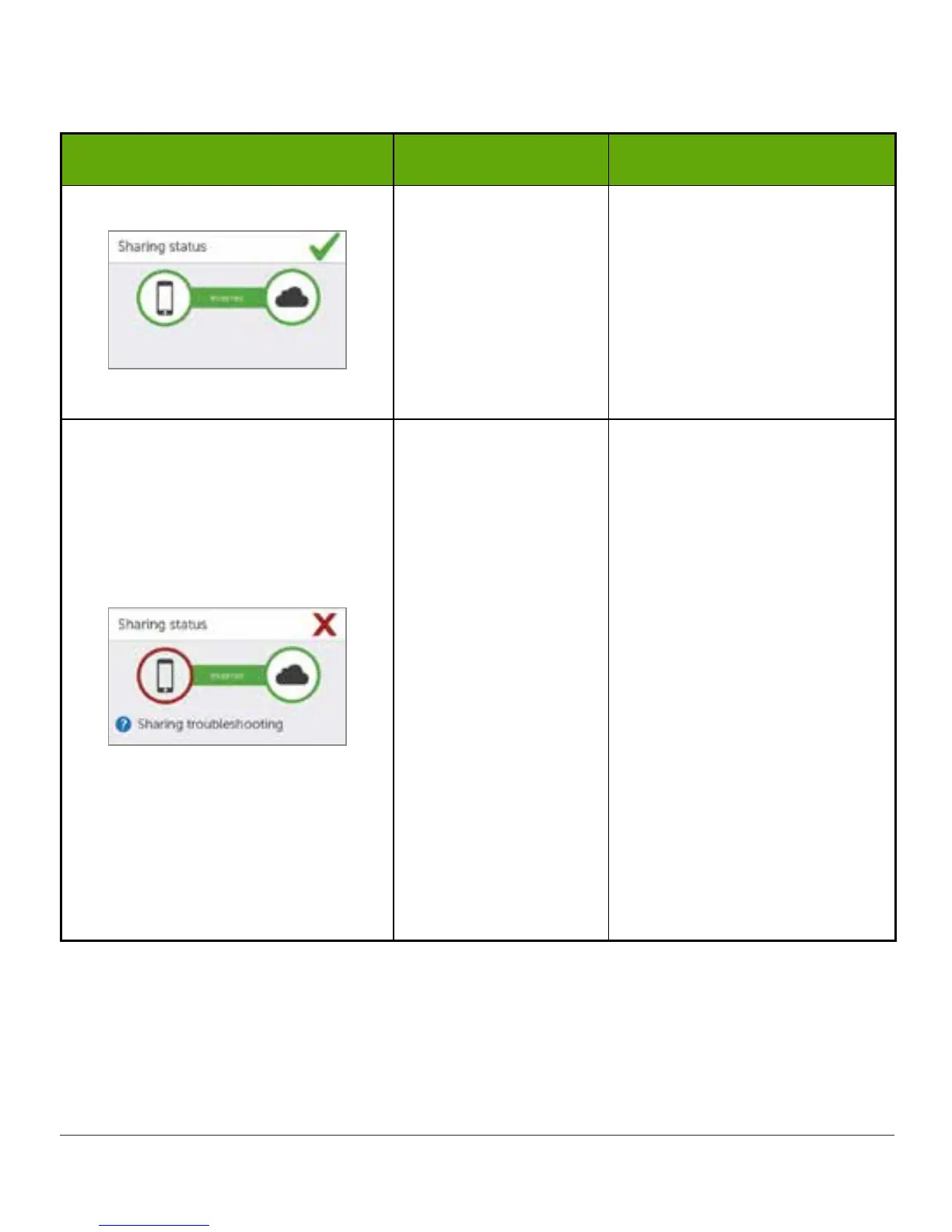
Troubleshooting Sharing Status
What you see What it means What you do
Green check mark:
All connections are
working
N/A.
Issue with:
• Sharer’s CGM
data
• Sharer’s smart
device
The Sharer should make
sure:
• A glucose value is on the
smart device
• Transmitter is in range
of the smart device
• Tap on blue “?” to learn
more about how to
troubleshoot this issue
• Allow up to 10 minutes
for status to turn green
and a green check mark
to appear
If the Sharer continues to see
this, the Sharer should turn
off Share and then turn it
back on.
(Continued on next page)



 To Next Page