Dexcom G5 Mobile System User Guide
48What Is the Dexcom G5?
(Continued from previous page)
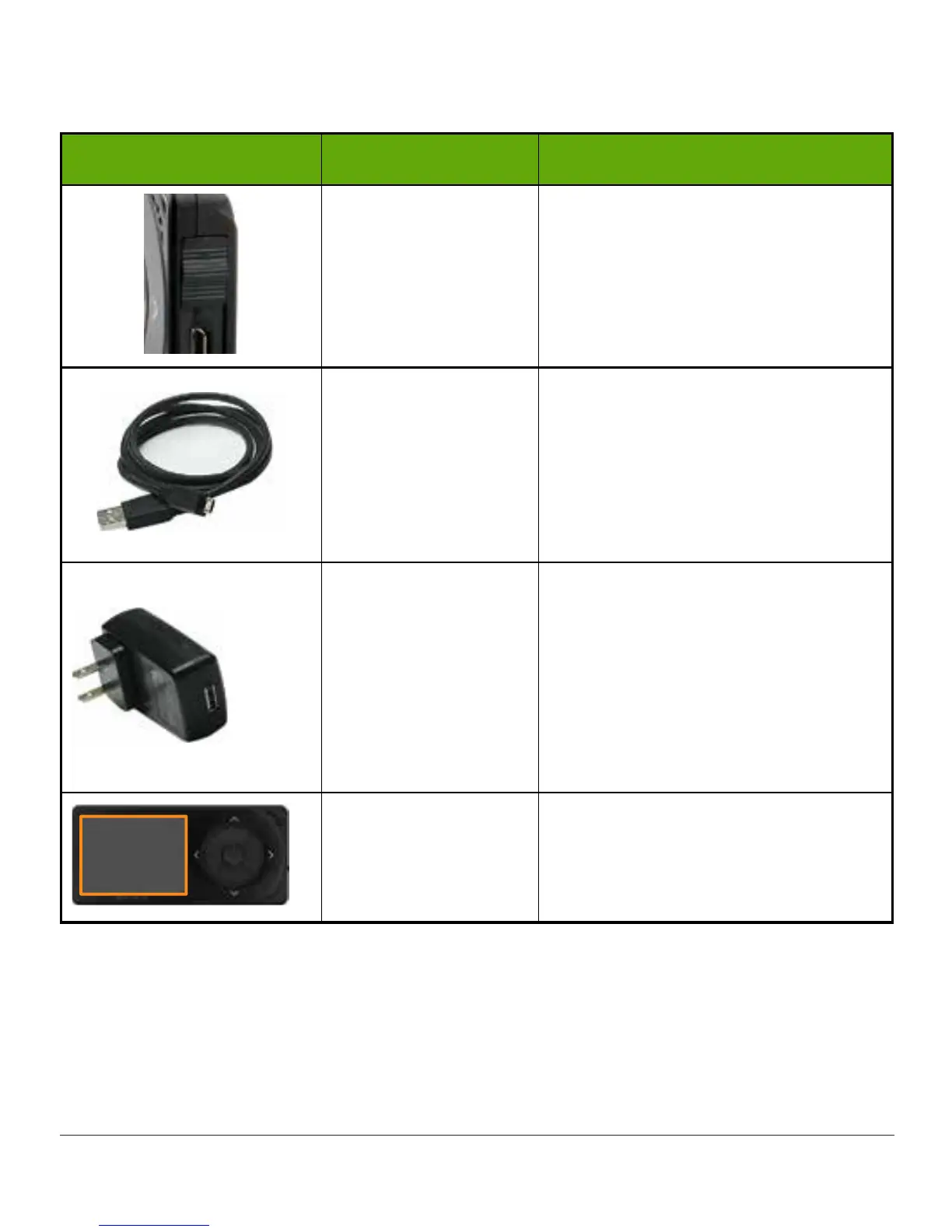
What you see What it is called What it does
USB Port Door
Close USB port door after removing
USB cable to keep receiver clean
and dry.
Micro USB Cable
Plug USB cable into receiver to
charge battery.
Don’t plug into a computer port to
charge.
Battery can only be charged using
the adapter/wall charger.
Wall Charger
Plug USB cable into adapter/wall
charger.
Plug wall charger into an electrical
outlet to charge receiver’s battery.
Don’t block access to the charger.
Please Note: Your adapter/charger
may look different.
Display Screen
Shows sensor glucose readings,
trend graphs and arrows,
Alarm/Alerts, sensor session status.
Change settings on Menu screen.
(Continued on next page)



 To Next Page