Dexcom G5 Mobile System User Guide
49What Is the Dexcom G5?
(Continued from previous page)
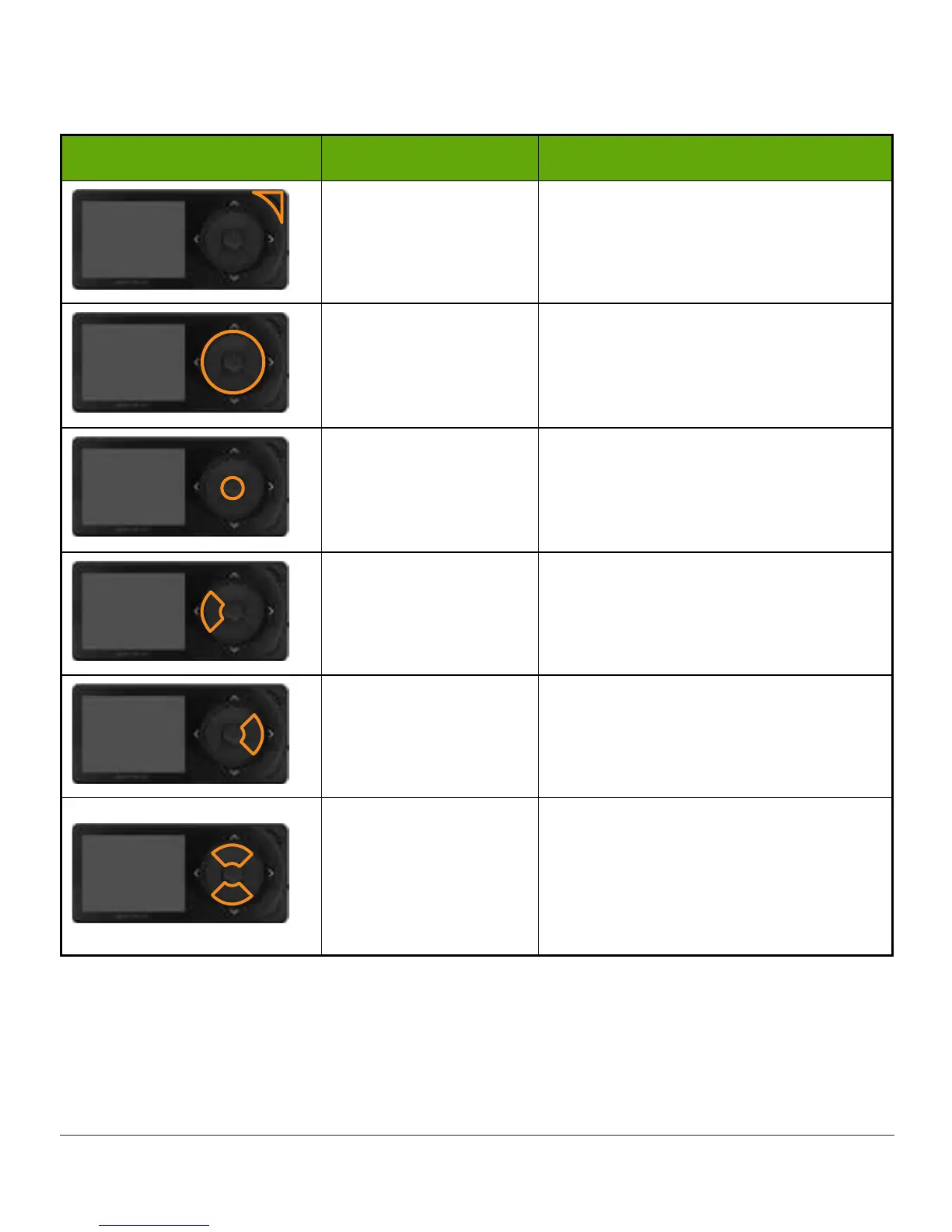
What you see What it is called What it does
Speaker
Allows you to hear your Alarm/Alerts
sounds.
Navigation Wheel
Arrows and button to help you
navigate through the receiver’s menu
options and choose features.
Select Button Press to select menu option.
Left Arrow
Press to go back to last item/screen
or home screen.
Right Arrow Press to highlight next item.
Up/Down Arrows
Press to scroll up or down to select
menu items or set values.
Press to scroll back and forth beyond
from the 3-hour trend graph to the
1-6-12-24 views.



 To Next Page