Dexcom G5 Mobile System User Guide
63Set up Your Display Devices
(Continued from previous page)
Step What you see What you do
Connecting/Pairing Transmitter With App
11
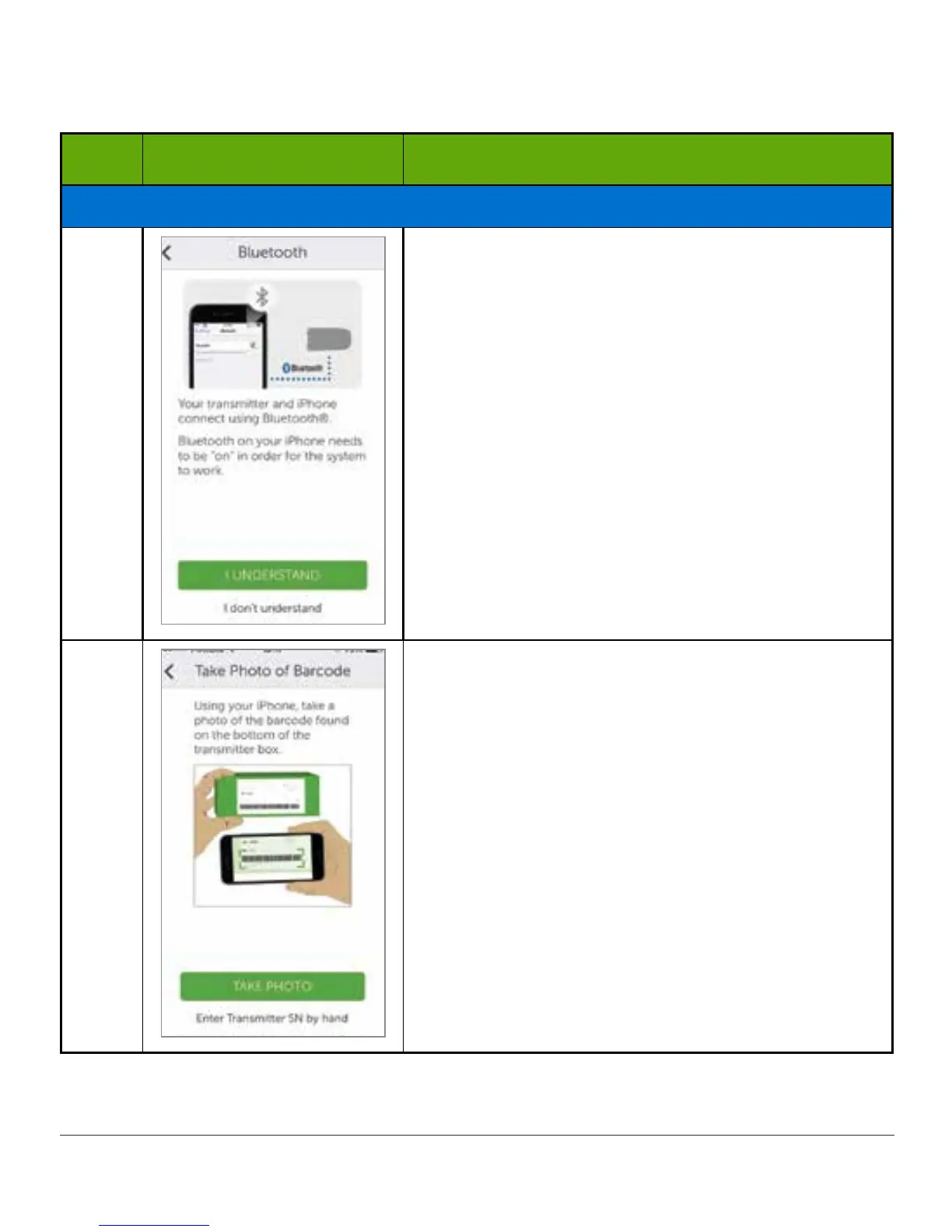
Verify Bluetooth is on.
The app will check Bluetooth is turned “On.”
12a
Get your transmitter box.
Tap Take Photo.
(Continued on next page)



 To Next Page