Dexcom G5 Mobile System User Guide
64Set up Your Display Devices
(Continued from previous page)
Step What you see What you do
Connecting/Pairing Transmitter With App
12b
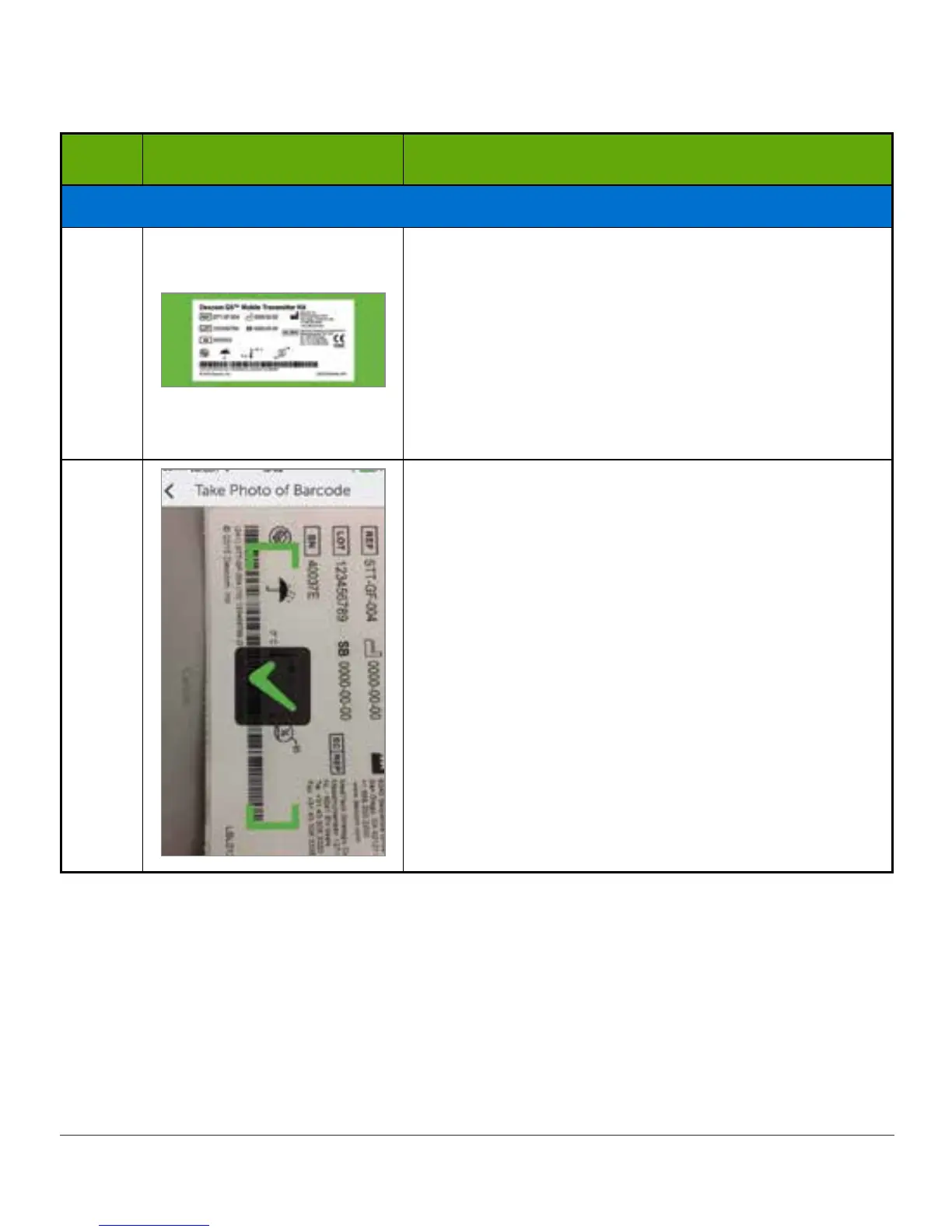
Turn transmitter box upside down on a flat surface
with barcodes facing up.
Center longest barcode within green brackets.
For information on how to pair transmitter after
initial setup, see Chapter 8.
Please Note: Picture is representational only; the
back of your transmitter box may not look the same.
12c
Check mark confirms successful transmitter SN
scan.
(Continued on next page)



 To Next Page