Dexcom G5 Mobile System User Guide
65Set up Your Display Devices
(Continued from previous page)
Step What you see What you do
Connecting/Pairing Transmitter With App
13a
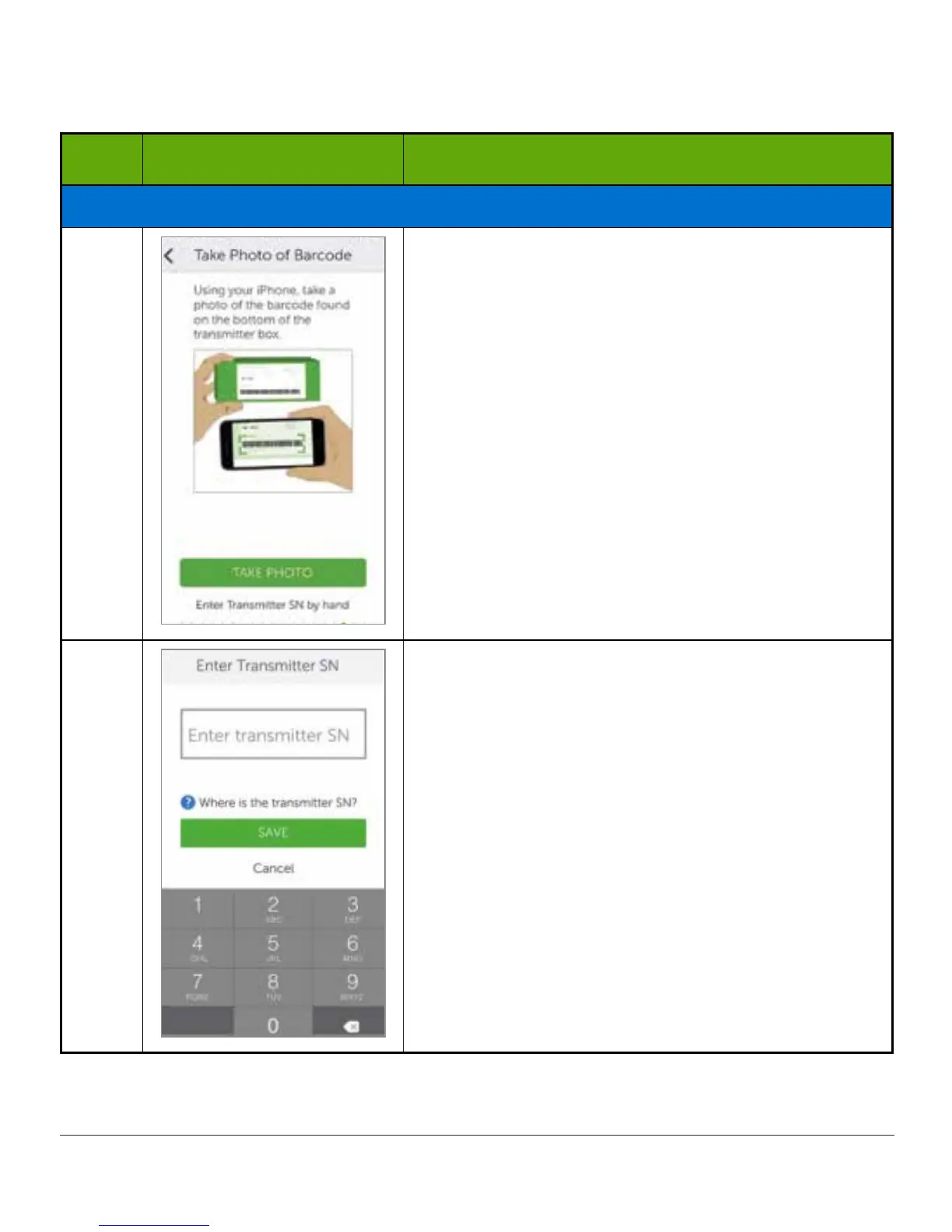
If unable to use app’s scanning device:
Tap Enter transmitter SN by hand.
13b
Use keyboard to enter transmitter SN.
Confirm correct SN.
Tap Save.
(Continued on next page)



 To Next Page