Dexcom G5 Mobile System User Guide
70Set up Your Display Devices
Initial Receiver Setup
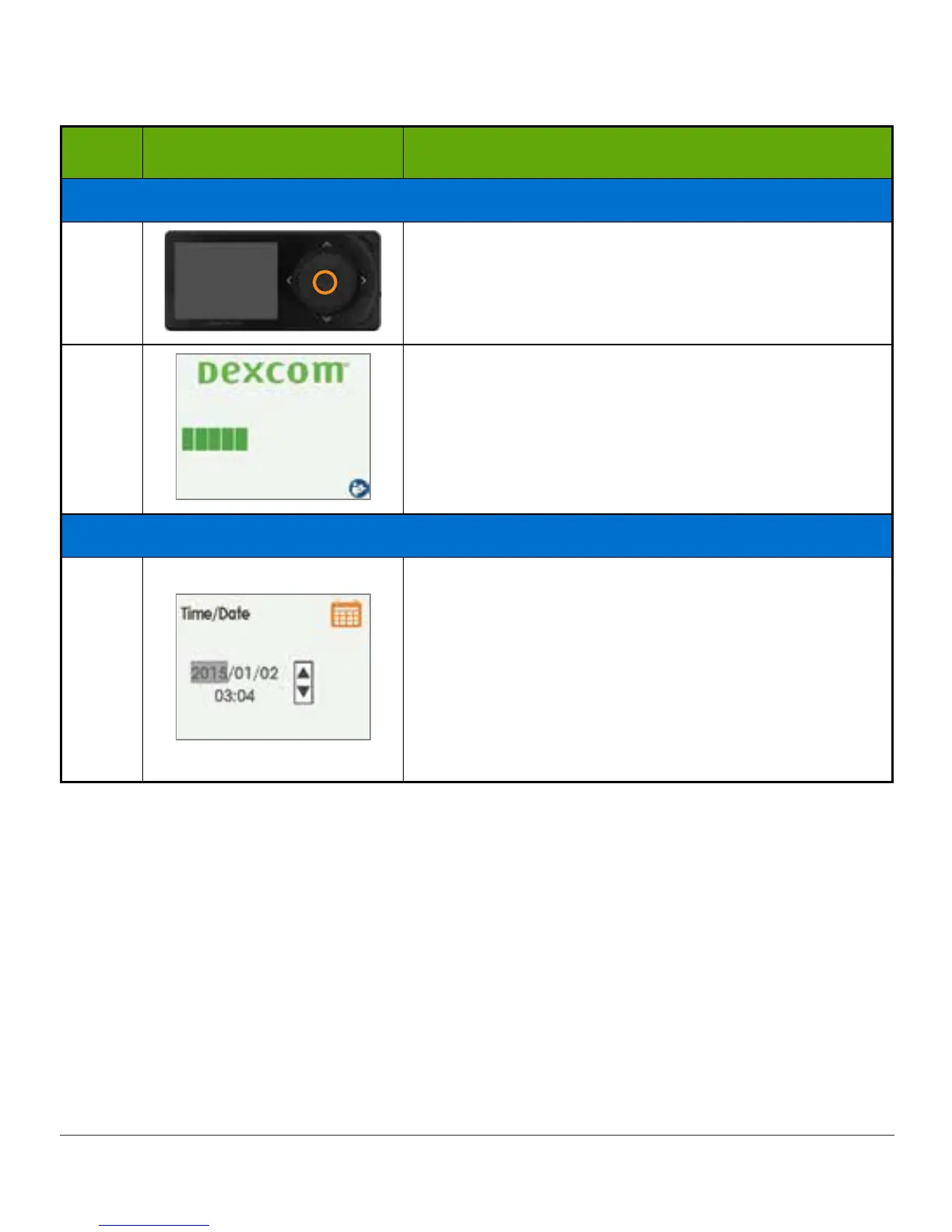
Step What you see What you do
Initial Screens
1
Press select button to turn receiver on.
2
Wait.
Time/Date
3a
Press up/down arrows to change year.
Press right arrow to move forward.
Press up/down arrows to change month.
Press right arrow.
Press up/down arrows to change day.
Press right arrow to move to time.
(Continued on next page)



 To Next Page