Dexcom G5 Mobile System User Guide
71Set up Your Display Devices
(Continued from previous page)
Step What you see What you do
Transmitter
3b
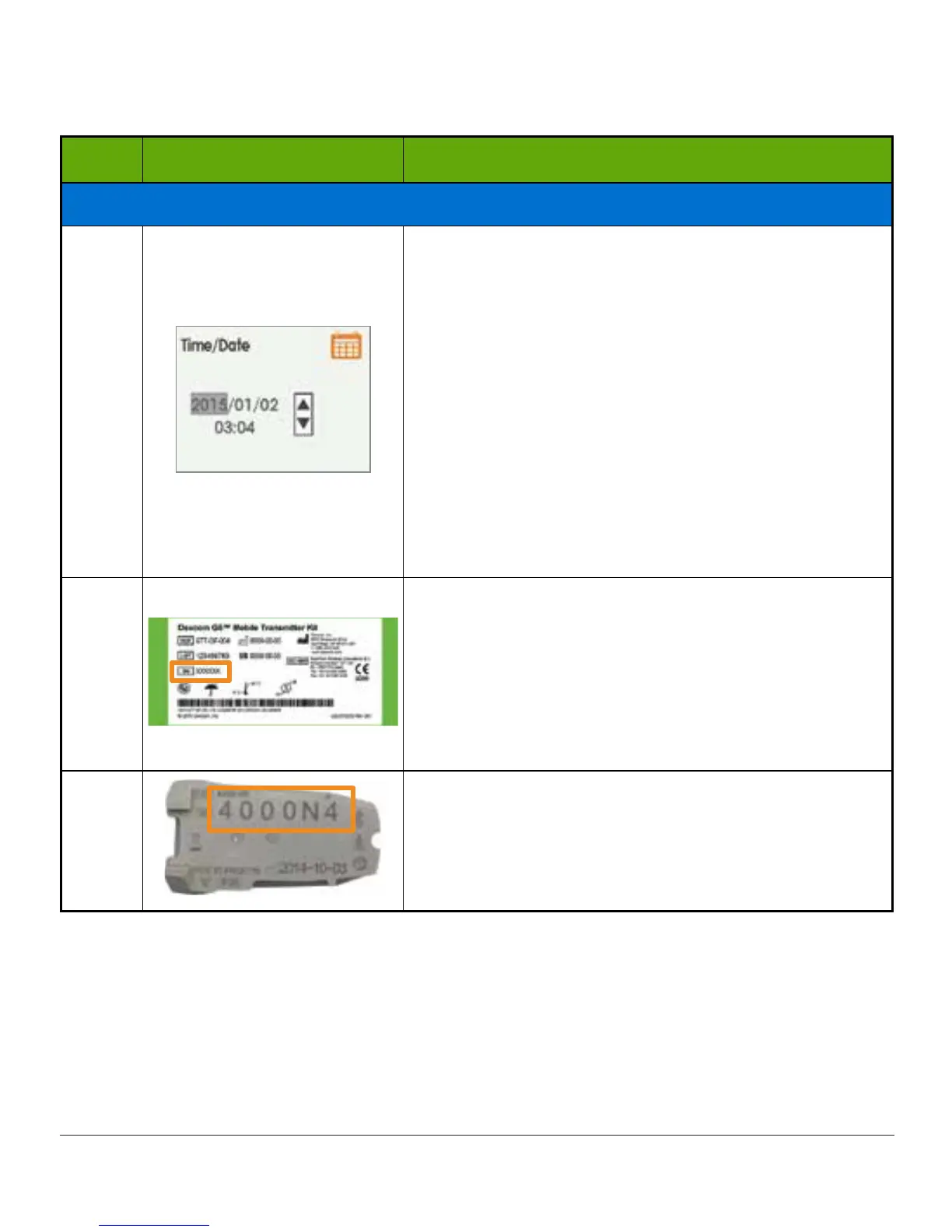
Press up/down arrows to change hour.
Press right arrow.
Press up/down arrows to change minutes.
Press right arrow.
Press up/down arrows to select AM/PM.
Press select button to save and close.
NOTE: After initial setup, if battery is drained,
receiver will vibrate once and you will need to reset
date and time.
4a
Turn transmitter box upside down to locate SN
number.
For information on how to pair transmitter after
initial setup, see Chapter 8.
Please Note: Image is representational only; your
box label may look different.
4b
If transmitter box isn’t available:
SN is on transmitter’s back
(Continued on next page)



 To Next Page